
Core and API
Localization, accessibility, and release quality
Ship a translated, keyboard-friendly, responsive integration and diagnose the exact bundle running in production.
Guide overview
Load translations with a safe fallback
Set the locale before rendering the workspace and register host-specific translations through the public localization contract. Missing keys fall back to the closest supported locale and then English.
Keep customer labels, template labels, asset names, and host commerce text separate from technical IDs.
Register the locale catalog.
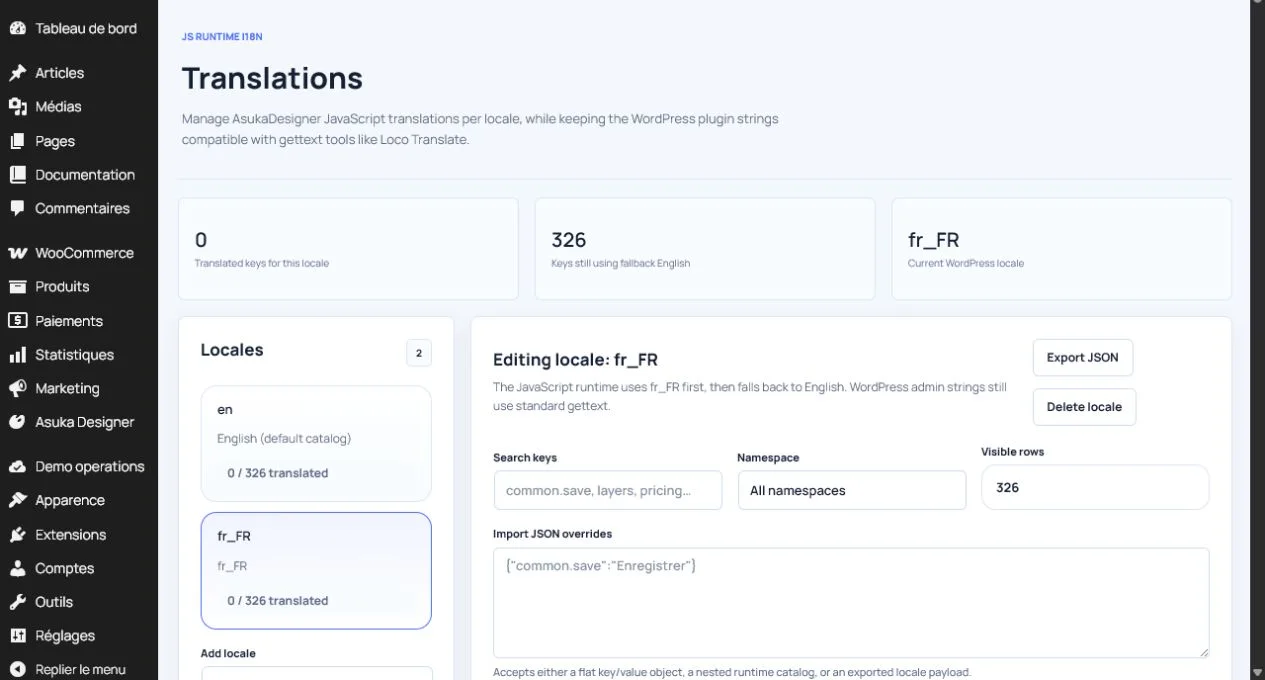
Switch locale without losing product state.
Scan the interface for untranslated keys and overflowing labels.
Complete the accessibility pass
Verify keyboard navigation, visible focus, modal focus trapping, escape behavior, screen-reader labels, contrast, touch targets, and reduced-motion behavior. Canvas-only actions need an equivalent control in a module or layer list.
Repeat the journey with browser zoom and narrow mobile viewports.
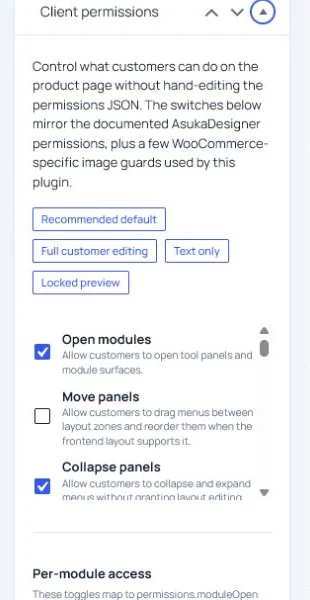
Navigate without a mouse.
Open and close every drawer and modal.
Test at 200 percent zoom.
Enable reduced motion.
Release and diagnose as one unit
Publish JavaScript, CSS, renderer chunks, workers, and generated types under one version. Diagnostics should report the runtime version, schema version, enabled modules, active view, renderer, and failed asset URLs.
Keep the previous complete bundle available for rollback.
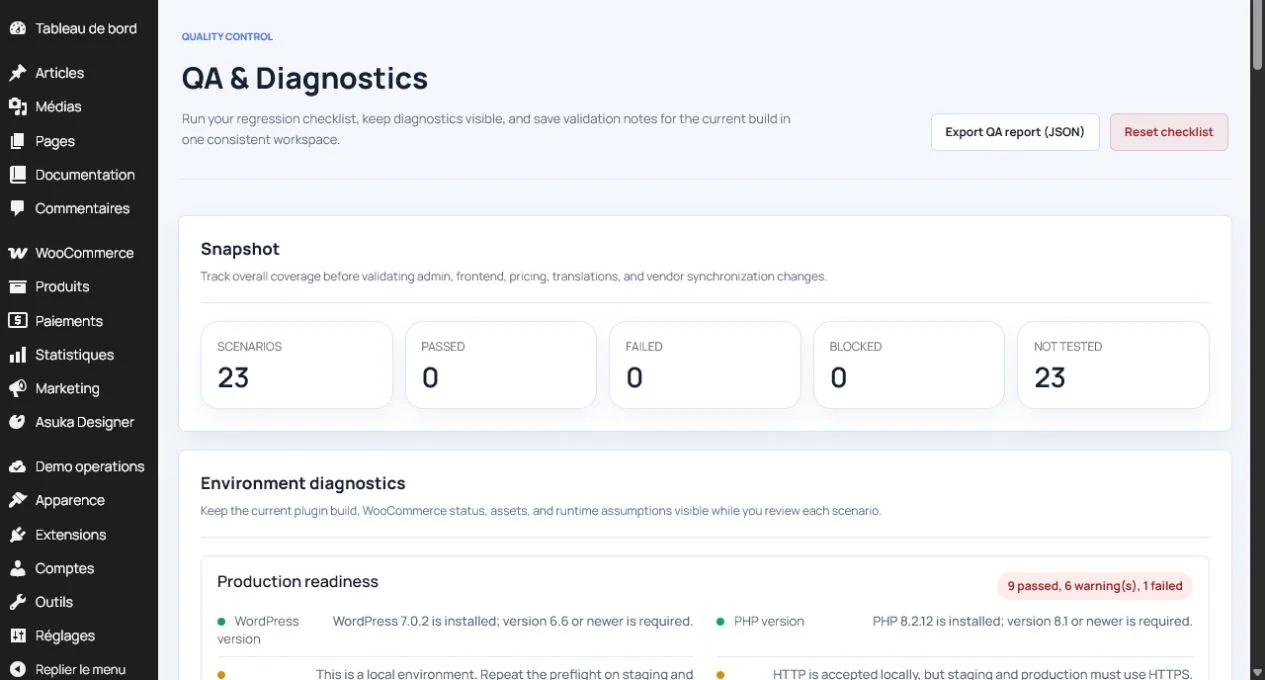
Run unit and integration tests.
Verify lazy 3D and export chunks on the final domain.
Record a production smoke test.