
Core and API
Create elements, variations, and material choices
Model reusable product parts and customer options without confusing fixed product elements with customer-created design layers.
Guide overview
Before you start
- At least one 2D or 3D view exists.
- Configurable product parts are identified.
- Variation labels and default choices are prepared.
Expected result
Each configurable part exposes the correct choices, default, visibility, media, and price in every assigned view.
Define product elements
Elements are product-owned objects such as a shirt body, phone shell, panel, mesh, or material slot. They can be fixed and non-selectable on the canvas while remaining selectable from the Elements module in development mode.
A reusable design added by a customer is a layer; a product element that defines the configurable base remains an element. Both can appear in layer accounting where appropriate, but they serve different authoring roles.
Create or select the product part.
Give it a stable administrative name.
Assign it to the relevant views.
Set customer and development interaction rules.
Build the variation group
Attach choices to one target element or part. A choice may swap media, visibility, color, texture, material, model part, metadata, or configured price depending on the target type.
Choose one explicit default and keep choice identifiers stable after products have been published.
Create the variation group.
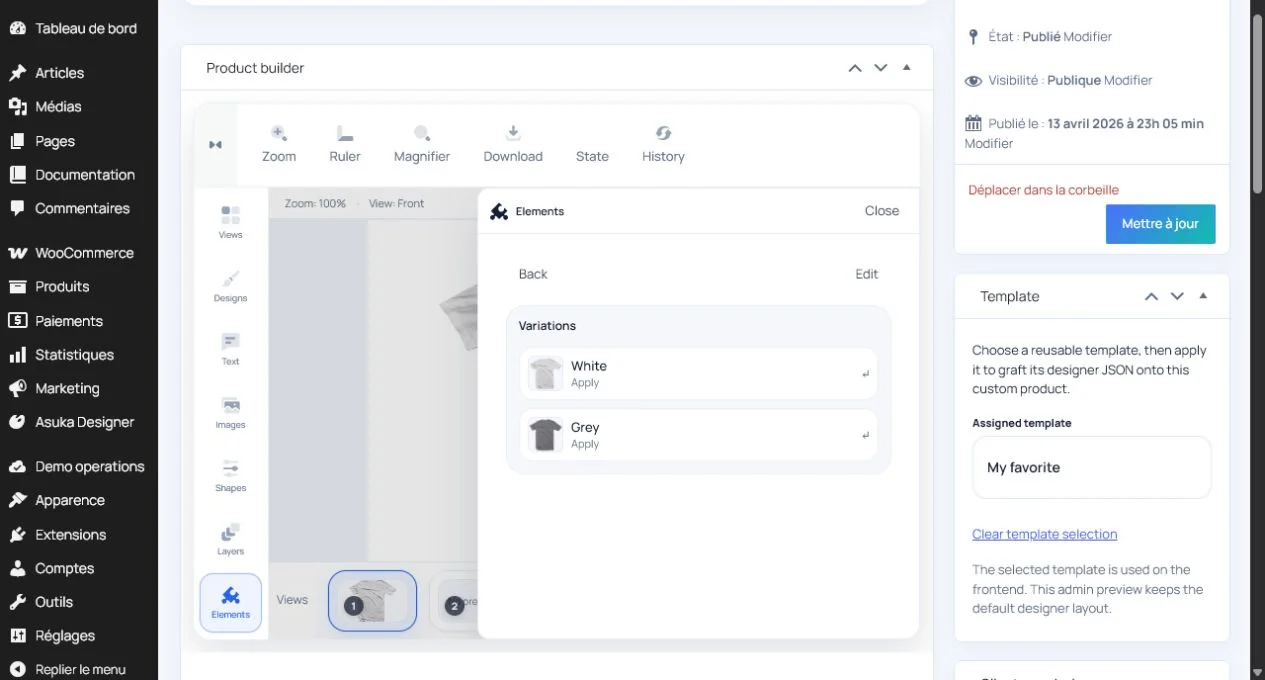
Select the target element.
Add labeled choices and previews.
Set and test the default.
Test dependencies and restoration
For dependent or nested options, verify which choices appear after every parent selection. Switch views and reload saved state to confirm the selected values target the same parts.
Test unavailable media and removed choices against existing customer designs before deleting catalog entries.
Exercise every combination.
Switch views after each change.
Save and restore a non-default choice.
Check pricing and production metadata.