
Core and API
3D products and Assembly
Prepare multipart GLB products, material variations, measurements, and optional spatial construction tools.
Guide overview
Prepare the model
Use stable mesh and material names, sensible pivots, real-world dimensions, embedded PBR materials, and compressed textures. Keep configurable parts separate when customers must change them independently.
The core 3D renderer is available on every plan. Assembly and Parameters are premium modules and must be allowed explicitly on customer-facing templates.
Optimize the GLB.
Import one empty 3D view.
Detect parts and define variation groups.
Test labels, colors, textures, and projections.
Assembly permissions
Administration may draw floors and walls, place reusable objects, configure snapping, constraints, measurements, materials, and support relationships.
Production storefronts cannot edit construction data unless the integrator enables the corresponding permissions.
Define the room or support surfaces.
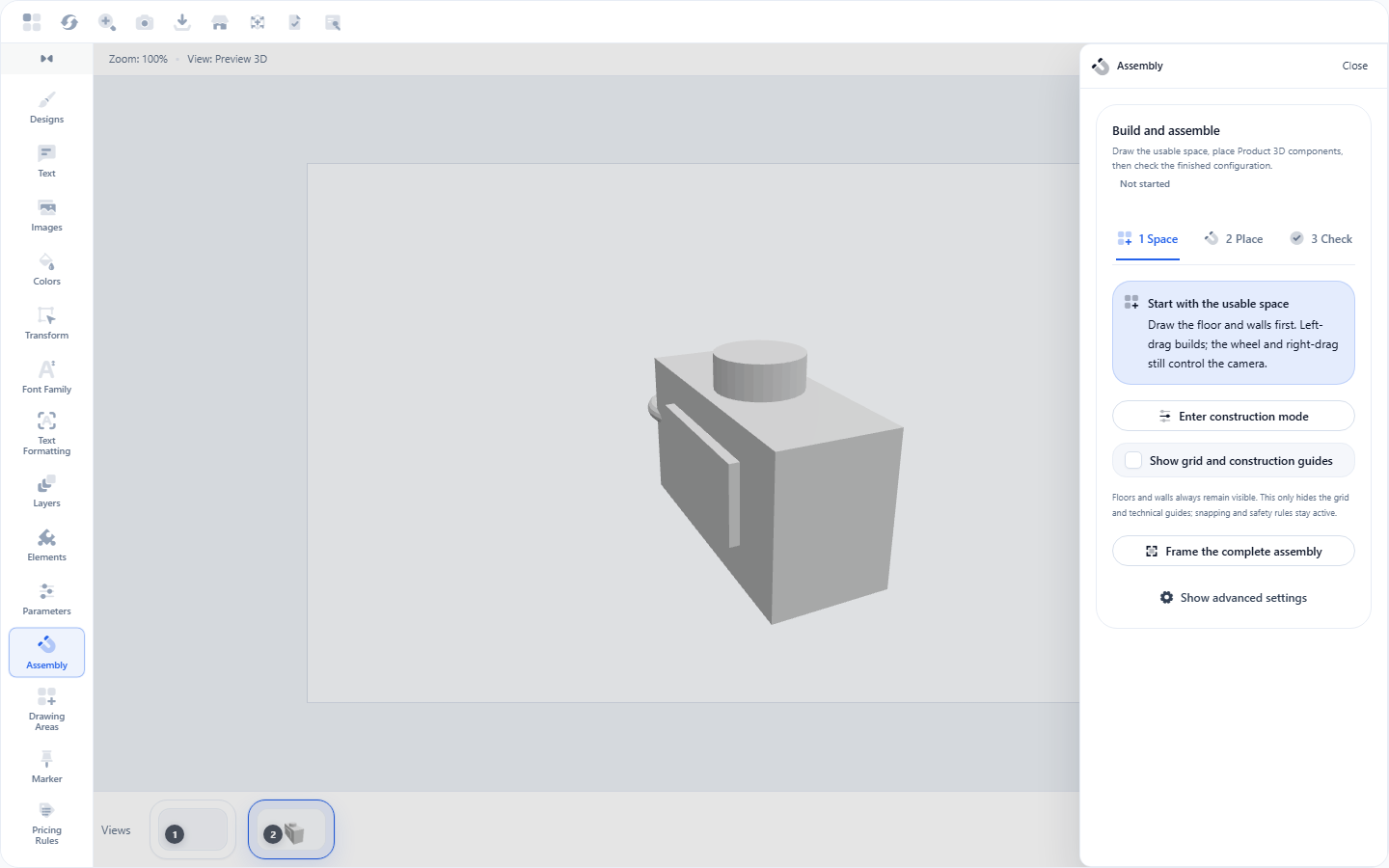
Place and link object instances.
Test collisions, history, and view persistence.