
Core and API
Templates, themes, modules, and permissions
Design a responsive workspace and decide exactly which tools administrators and customers may use.
Guide overview
Compose the workspace
Templates place modules in top, left, bottom, selection, contextual, or portal zones. Empty zones collapse automatically, and icon-only navigation uses compact spacing.
Variations and Studio are contextual by default but can be placed in a menu when an integrator needs that workflow.
Place the essential modules.
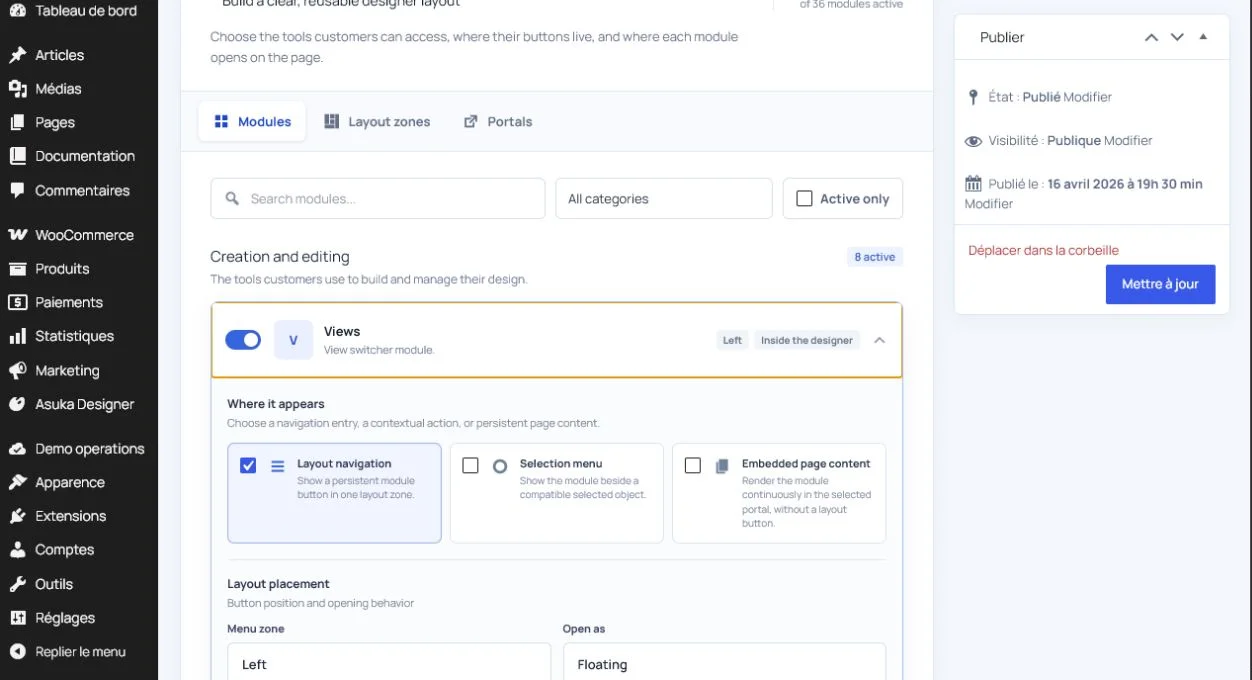
Choose expanded or collapsed navigation.
Configure pagination, undo, redo, and view controls.
Preview wide desktop, tablet, and mobile.
Separate administration and storefront defaults
Use a complete administration template for product construction and a focused customer template for personalization. Themes provide reusable colors, typography, spacing, drawer width, and control styling.
A product may override the default template or theme without editing the shared preset.
Save an administration preset.
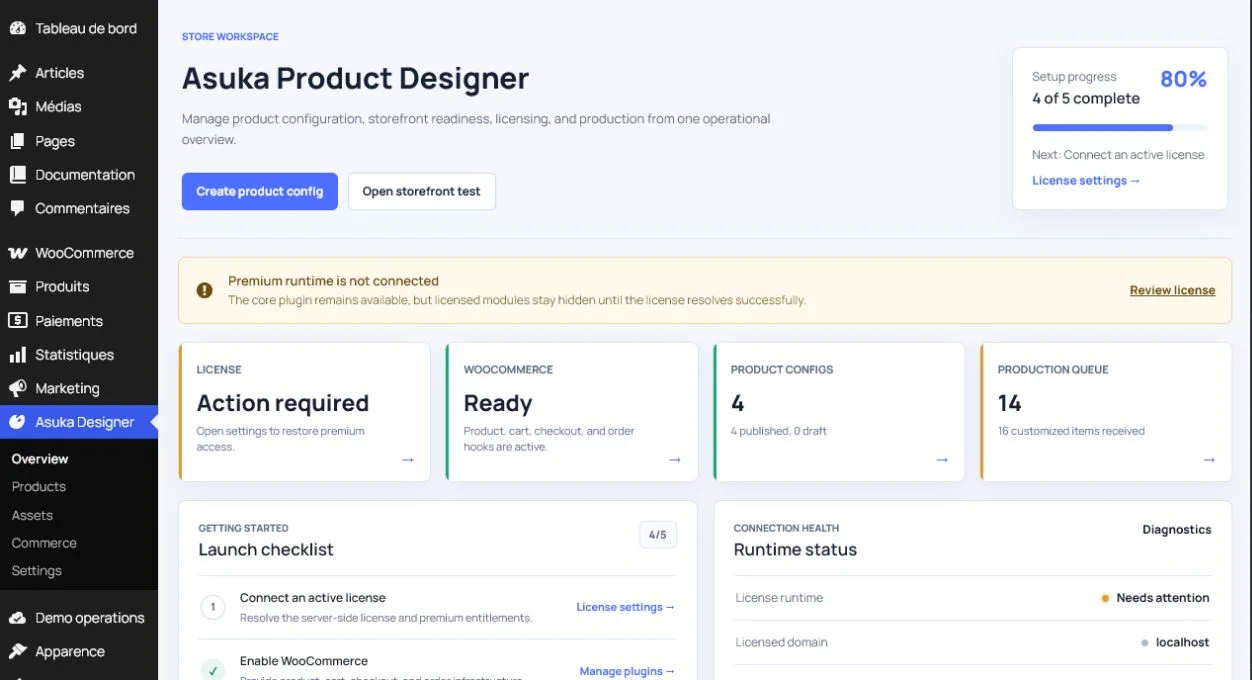
Save a customer preset.
Assign both defaults through the host settings.
Test one product-level override.
Apply least-privilege permissions
Enable only the modules and actions required by the user role. Parameters, Assembly, pricing administration, state tools, and construction editing are premium or privileged capabilities and should stay hidden unless explicitly granted.
Permissions govern behavior as well as visibility; hiding a button must not be the only protection.
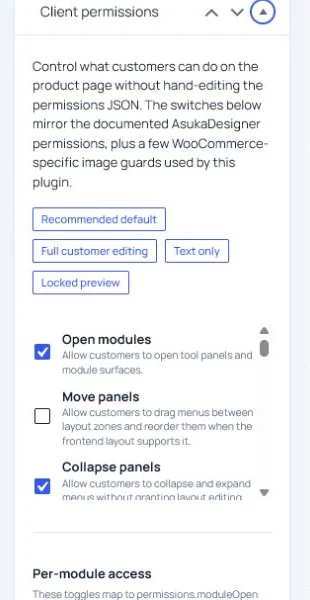
Test with an administrator.
Test with a restricted editor.
Test the anonymous storefront without relying on cached permissions.