
Core and API
Connect uploads and external media providers
Implement durable customer uploads and optional provider search without exposing private credentials to the browser.
Guide overview
Before you start
- The host can authenticate upload requests.
- A durable media storage location is configured.
- Allowed file types and size limits are defined.
Expected result
Uploaded and provider images load reliably, survive reloads, and produce actionable validation errors.
Implement the upload adapter
The browser adapter sends the file and context to the host; the server validates MIME type, extension, decoded dimensions, file size, and authorization before storage. Return a durable HTTPS URL rather than a temporary local path.
Preserve the original filename only as metadata. Generate storage names server-side and sanitize SVG content before publishing it.
Accept the file through an authenticated endpoint.
Validate and transform it server-side.
Store it in durable media storage.
Return URL, dimensions, MIME type, and identifier.
Configure image providers safely
Pixabay, Pexels, OpenAI, Replicate, or another provider must be called through a host endpoint when they require secret keys. The browser receives normalized search or generation results, never the provider credential.
Proxy or persist generated images before placing them on the canvas when provider URLs are temporary or block cross-origin canvas access.
Keep provider keys in server configuration.
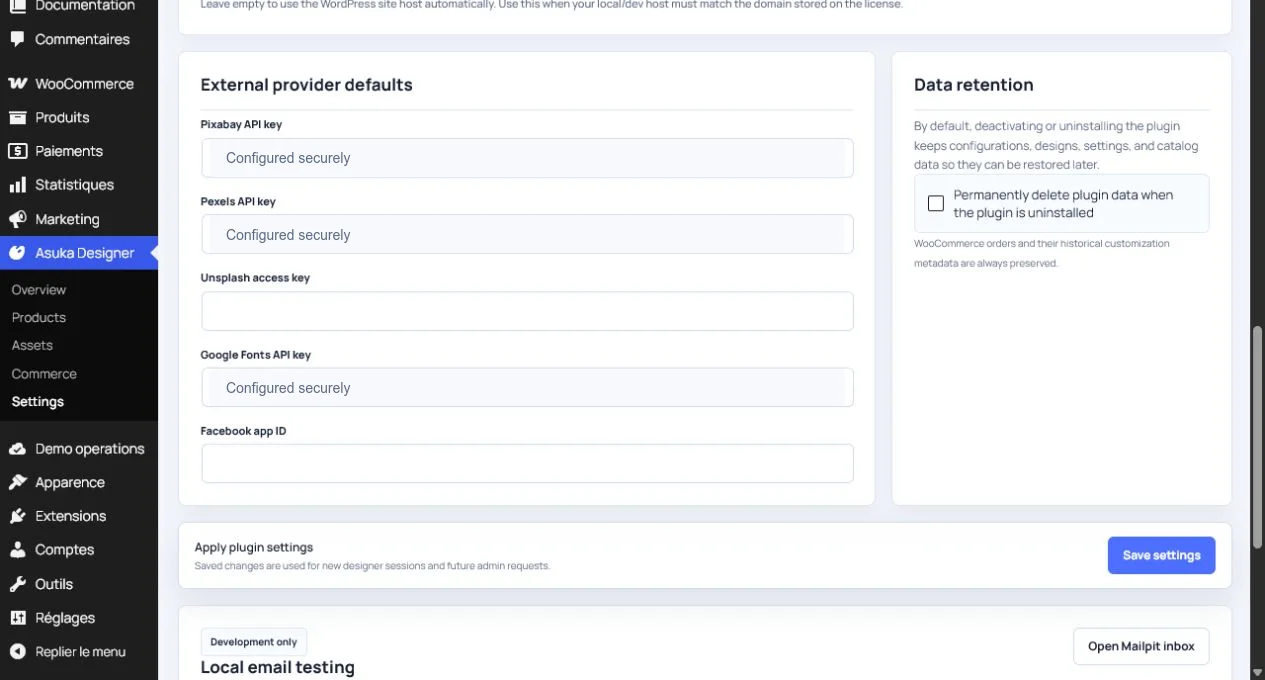
Normalize provider responses.
Copy the selected output to owned storage.
Return a canvas-safe public URL.
Handle progress and failure states
Expose uploading, processing, complete, and failed states in the media module. Timeouts, rejected formats, exhausted provider quotas, and cross-origin failures require different messages and retry behavior.
Cancel abandoned requests when the module closes or the designer is destroyed.
Display upload or generation progress.
Map server error codes to clear messages.
Allow a safe retry.
Verify the resulting image can be exported from the canvas.