
Core and API
Configure text, images, designs, and shapes
Expose the right customer content tools and make every inserted object behave consistently as a layer.
Guide overview
Before you start
- The 2D view is saved.
- Customer permissions and asset filters are defined.
- At least one font, design, or upload source is available.
Expected result
Customers can add allowed content, edit it predictably, and manage every object from the Layers module.
Configure text behavior
Choose allowed fonts, colors, alignment, spacing, and size limits. Normal text grows horizontally until the customer inserts a line break; curved text keeps the same font size when toggled and calculates its selection bounds from the rendered arc.
Test long words, multiple lines, accents, emoji policy, and missing-font fallback in every supported locale.
Add normal text.
Type without an automatic line break.
Toggle curved text and compare size.
Verify selection bounds and production output.
Add images, designs, and shapes
Customer uploads are independent layers. Reusable designs come from the host catalog and may add a configured surcharge. Shapes are also layers and must count toward limits, ordering, locking, duplication, and deletion.
Vector artwork should preserve transparency and color behavior; raster media should retain its original aspect ratio unless free distortion is explicitly enabled.
Add one item from each module.
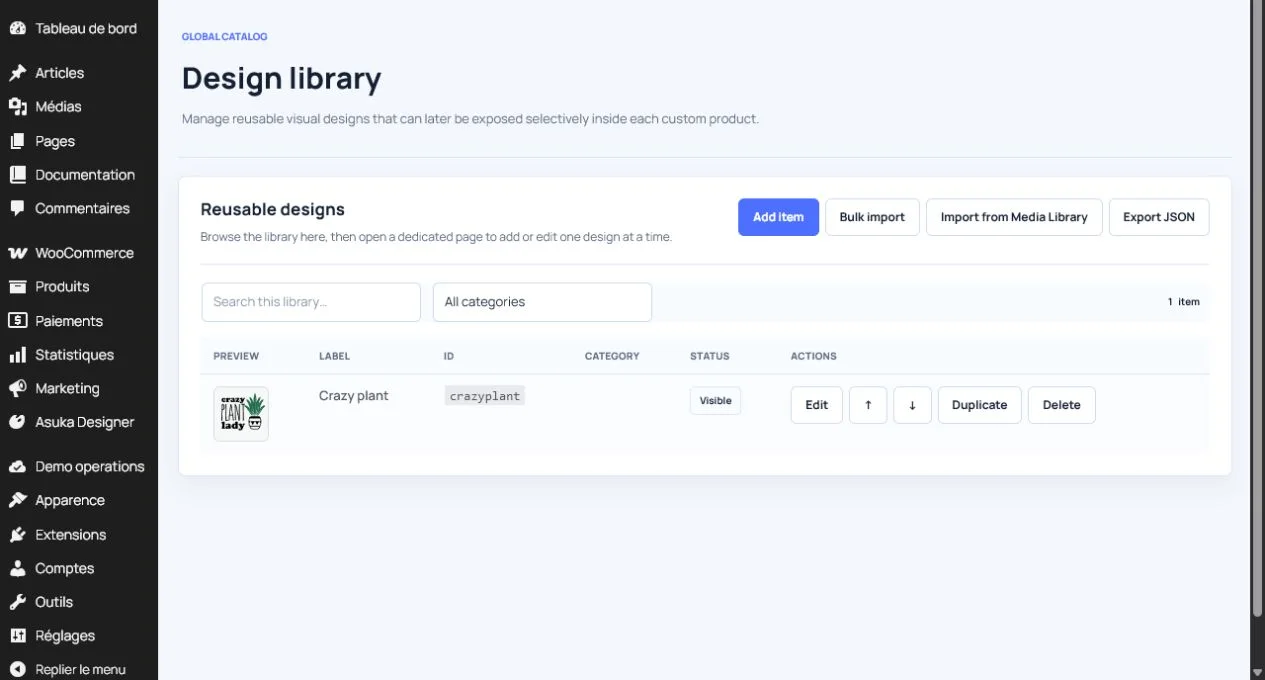
Check catalog price and metadata.
Resize near the drawing-area edge.
Generate a preview.
Manage everything in Layers
The Layers module is the authoritative object list, including designs and shapes. Use it to select non-interactive items, rename, reorder, duplicate, hide, lock, or delete them.
Lock state must affect canvas dragging, resize handles, keyboard movement, and contextual actions consistently.
Select each object from the list.
Reorder above and below another layer.
Lock and attempt every movement path.
Save, reload, and verify state.