Core and API
Pricing, validation, and production exports
Connect live configuration prices to a host cart and generate production-ready output from the same state.
Guide overview
Calculate and format prices
The pricing adapter receives canonical product changes and returns allowed adjustments. The host supplies locale and currency formatting so the designer, cart, checkout, and order display the same total.
Never accept a browser total as authoritative. Sign or persist the configuration, then recalculate it on the server before the host creates the cart line.
Subscribe to pricing changes.
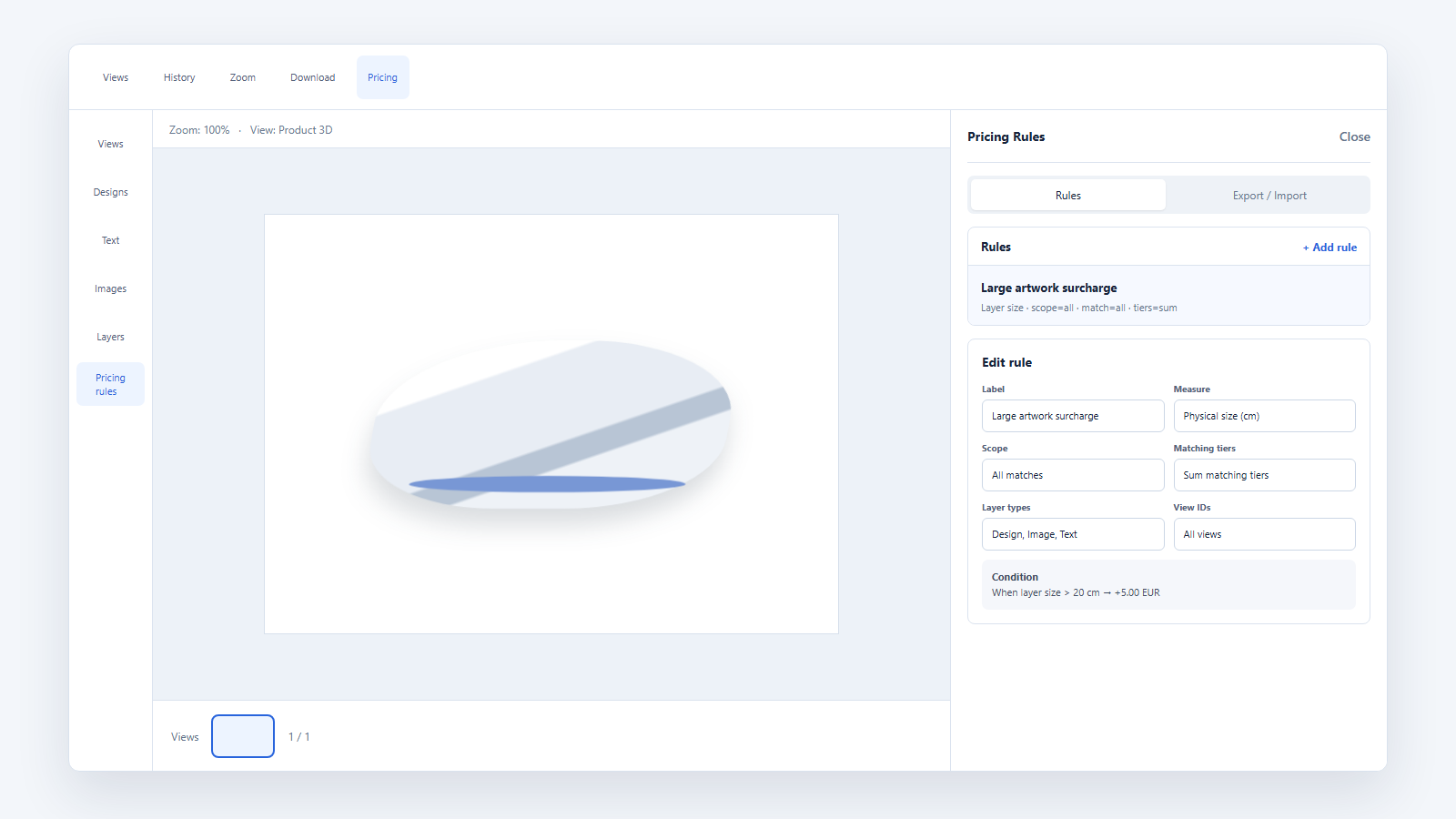
Return a structured price breakdown.
Format amounts with the host formatter.
Revalidate the payload server-side.
Generate previews and production files
A customer preview is optimized for cart and order display. Production exports use drawing-area dimensions, source media, print settings, and the saved canonical state.
Local previews may be available in the core. HD or server-rendered output must verify the active entitlement before processing.
Save the final state and readable choices.
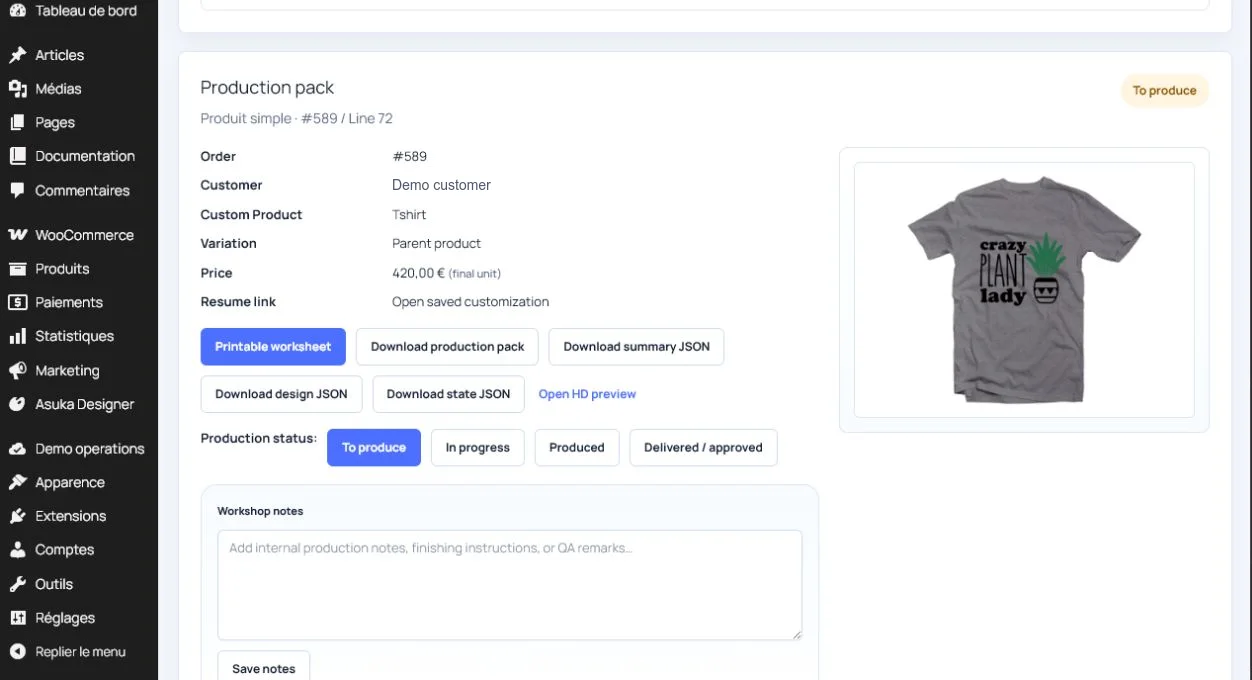
Generate a cart preview.
Request the production export.
Attach its reference to the order or manufacturing job.
Test price and output parity
Exercise zero-price choices, cumulative surcharges, quantity changes, edits from the cart, refunds, and restored configurations. Compare dimensions and colors in the preview and exported file.