WordPress and WooCommerce
Storefront and administration translations
Create a locale, scan translatable keys, publish translations, and keep WordPress gettext compatibility.
Guide overview
Create and populate a locale
Open Asuka Designer > Translations, create the locale, and scan the plugin and JavaScript catalogs. Complete customer-facing labels first, then administration copy.
The editor stores each locale separately and reports missing values. Product, template, variation, and asset labels remain editable business content.
Create the locale.
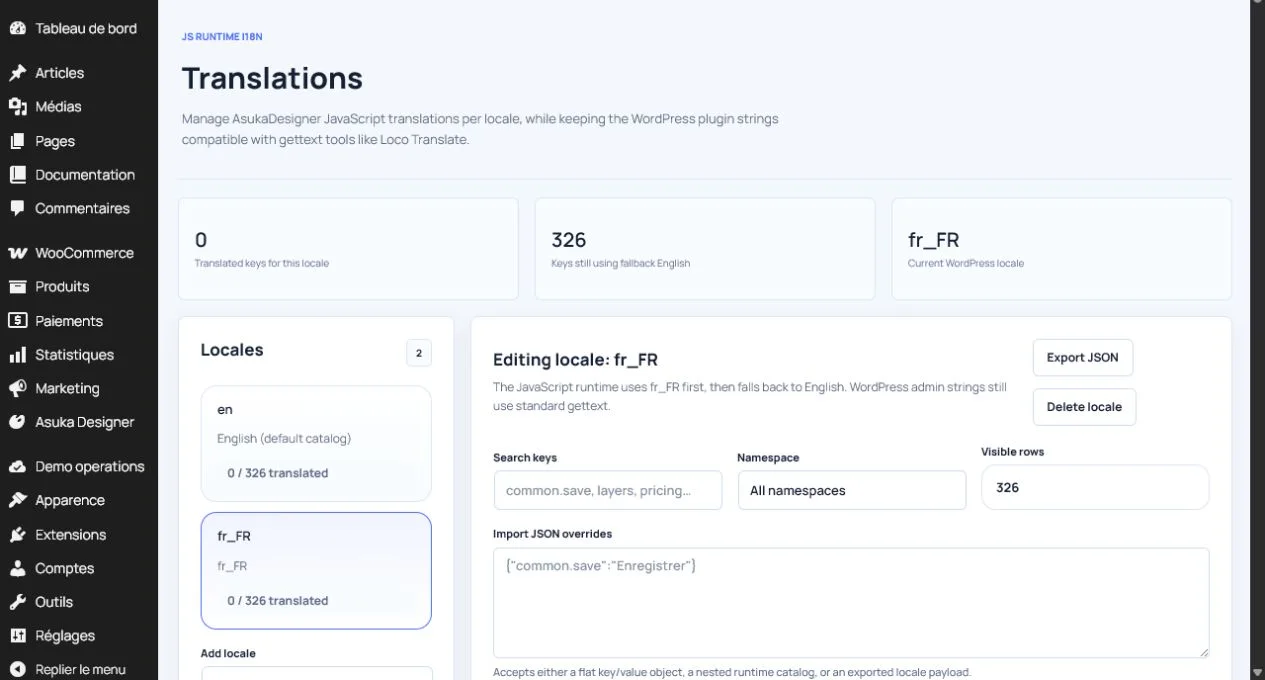
Scan available keys.
Filter missing entries.
Translate and publish the catalog.
Understand fallback behavior
The designer uses the current storefront locale, then the closest Asuka catalog, then English. WordPress and WooCommerce strings continue to use gettext and can be managed by standard tools such as Loco Translate.
Test plural forms, long labels, right-to-left content when applicable, and language switches with a customization in progress.