
WordPress and WooCommerce
Map WooCommerce variations to custom products
Assign a default designer and optional per-variation overrides for products whose shape, media, or editable areas change.
Guide overview
Before you start
- A variable WooCommerce product has generated variations.
- Every referenced custom product is published and valid.
- Variation attributes are visible on the storefront.
Expected result
Changing the WooCommerce variation loads the correct custom product without stale media, price, or customer state.
Choose the mapping strategy
Use one default custom product when variations only affect commerce data such as stock or SKU. Add a per-variation override when the product image, dimensions, 3D model, drawing areas, or available options differ.
Leave an override empty to inherit the default; use an explicit no-designer state only when that variation should return to native WooCommerce media.
Open the variable product.
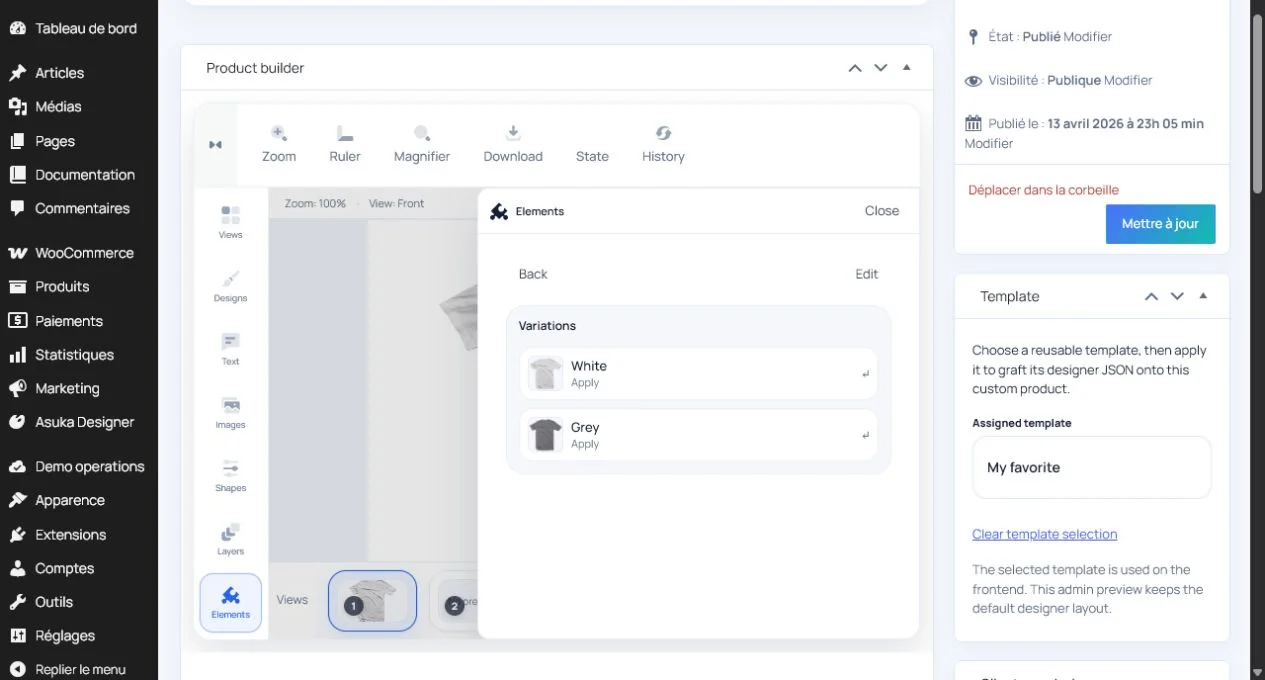
Select the default custom product.
Review every generated variation.
Add only the required overrides.
Save and audit the mapping
Update the product after all variation rows are configured. Reopen the editor and compare variation IDs, labels, and linked custom product names to catch mappings created before a variation was regenerated.
Do not infer mappings from display order because WooCommerce can reorder variations.
Save the product.
Reopen the variation panel.
Verify each ID-to-product link.
Clear references to deleted variations.
Test state transitions
On the storefront, switch through every combination in both directions. The designer must wait for a complete variation selection, then replace its configuration while preserving work only when the mapping is compatible.
Check the image, active view, drawing areas, options, price, and cart metadata after every change.
Test direct variation URLs.
Switch each attribute combination.
Add one overridden variation to the cart.
Edit it and verify the same custom product returns.