WordPress and WooCommerce
Templates, themes, and asset libraries
Control the interface and reusable customer content without rebuilding each product.
Guide overview
Templates and themes
Templates control module placement, labels, icons, menus, selection tools, portals, pagination, history controls, and responsive behavior. Themes control visual tokens.
Set administration defaults in Settings and customer defaults independently. A product-level choice overrides the default without modifying the saved template.
Create and name the preset.
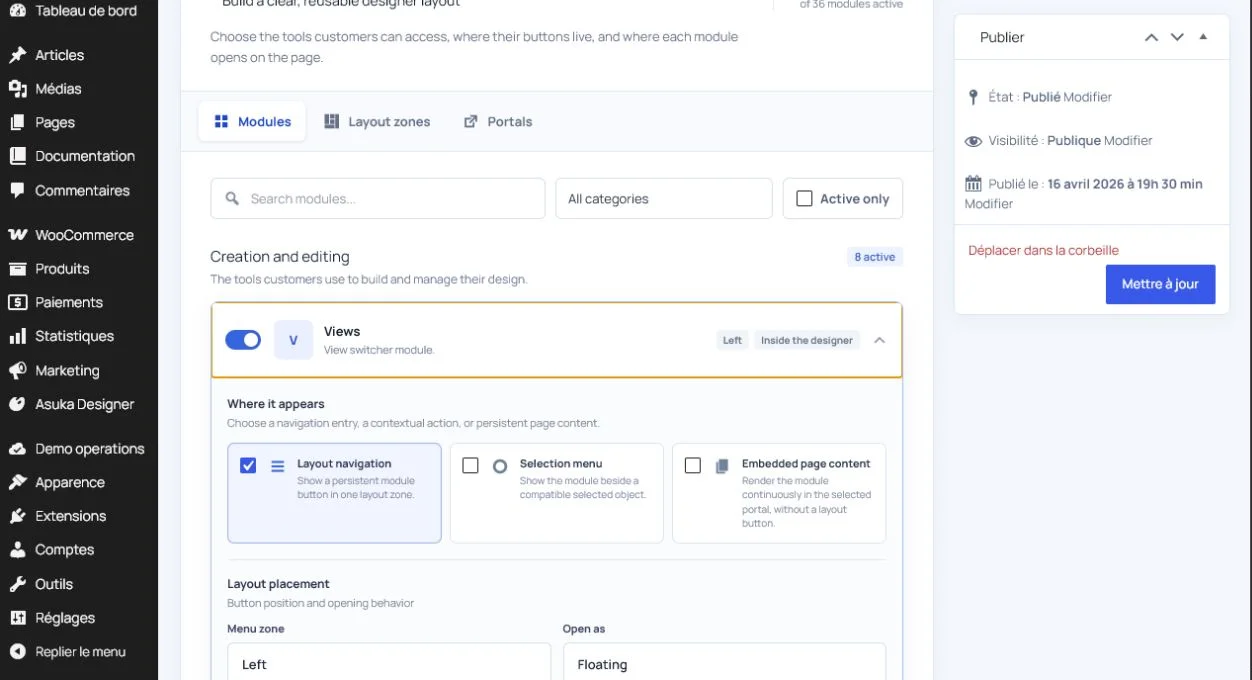
Preview desktop and mobile.
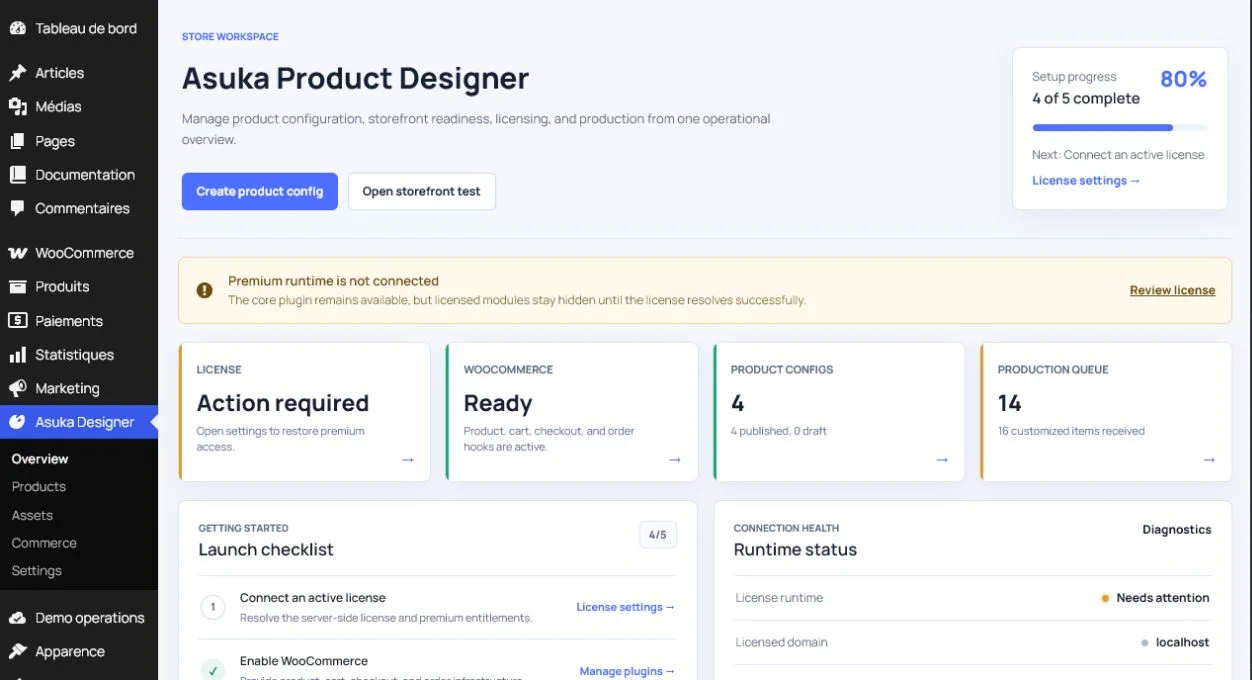
Save it as the default or assign it to one product.
Asset visibility
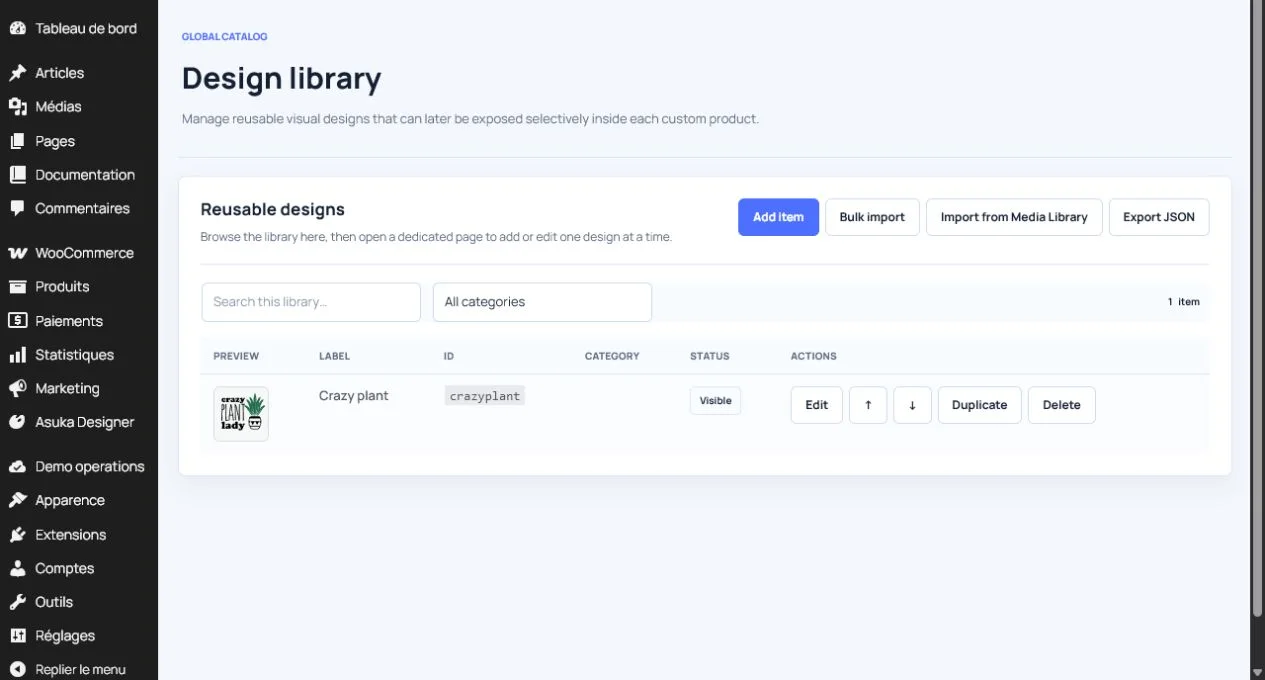
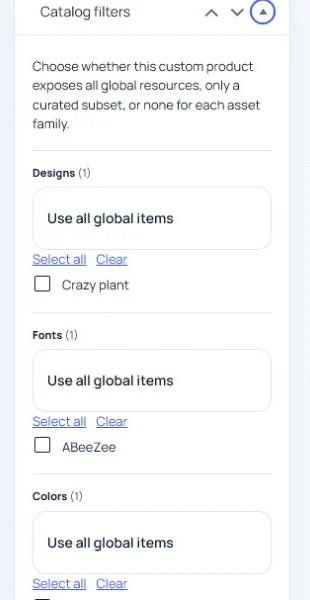
Designs, elements, fonts, colors, printing methods, materials, and shapes are reusable libraries. Active status and storefront filters decide what customers see.
Translations are edited per locale and fall back to the WordPress gettext ecosystem, including tools such as Loco Translate, for host strings.
Upload durable media.
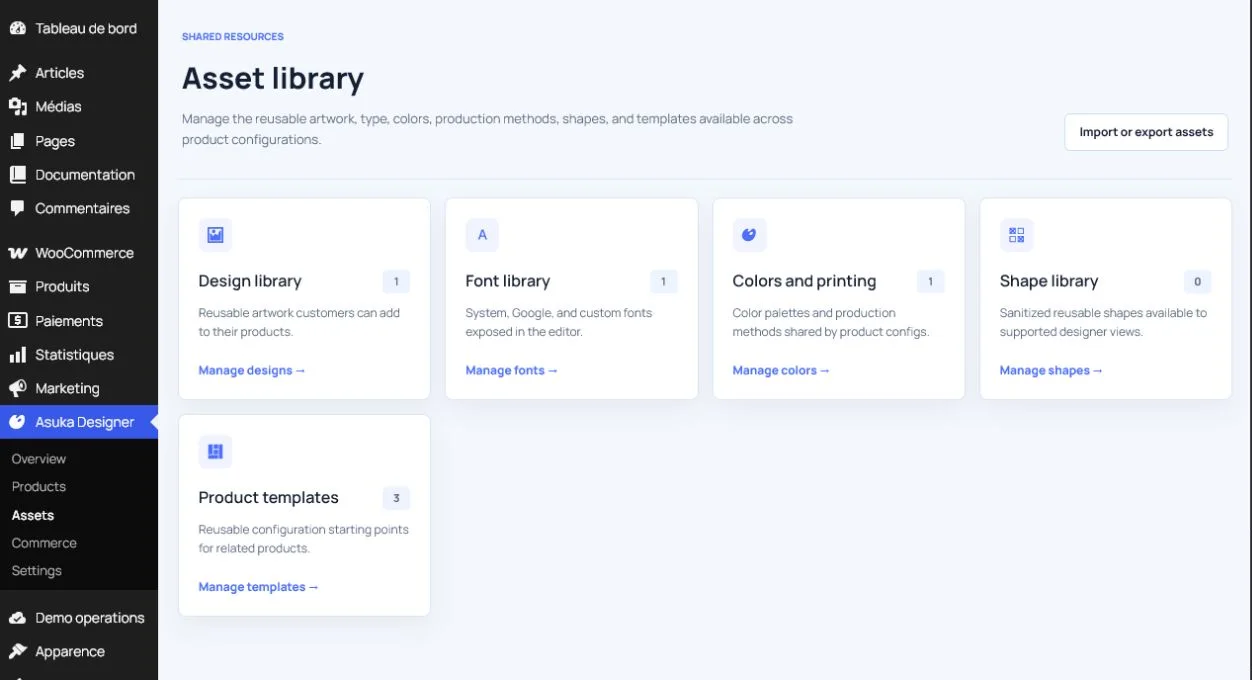
Assign categories and filters.
Verify the customer library on the frontend.