
WordPress and WooCommerce
Import, export, migration, and backups
Move portable custom products between WordPress, Shopify, JavaScript, staging, and production without carrying store data.
Guide overview
Choose the correct export
Use partial JSON for a view, template, theme, or diagnostic snapshot. Use a complete .asuka.zip package for a product that must remain usable on another installation.
The complete package includes media, state, presets, manifest, and checksums but excludes WooCommerce IDs, customers, orders, billing, licenses, and secrets.
Open Import / Export.
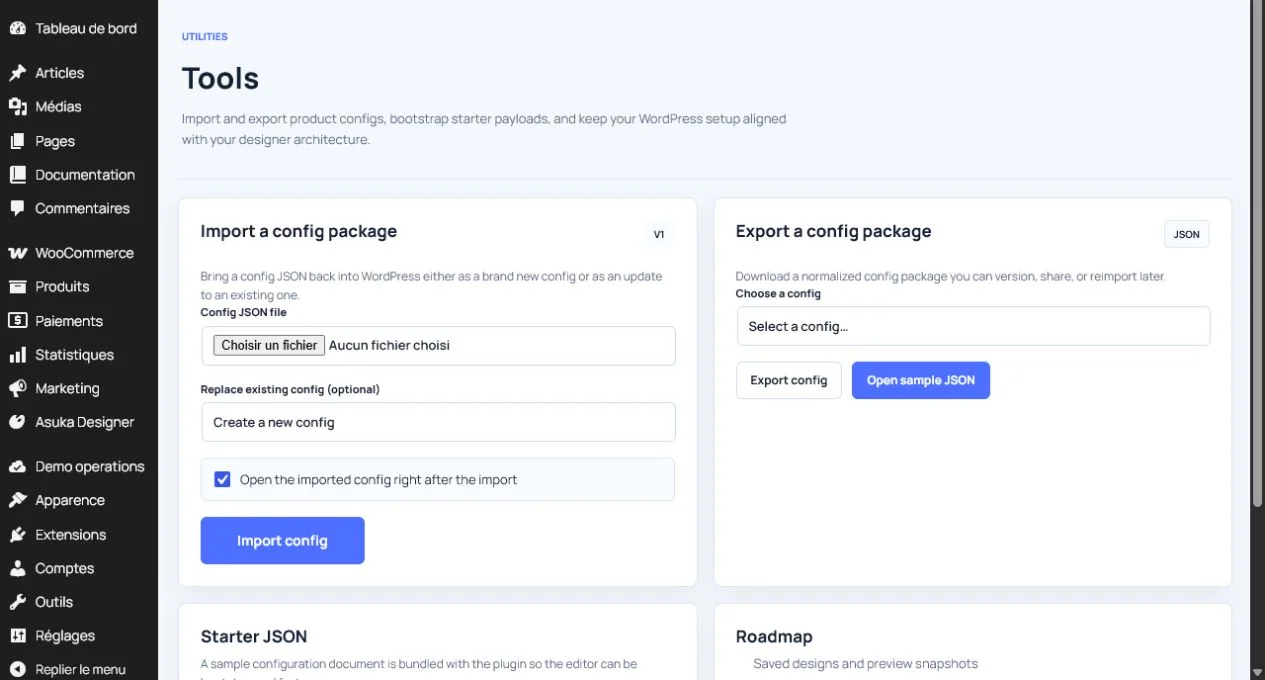
Choose partial or complete scope.
Download and archive the package.
Keep the source product until the destination is verified.
Import and relink
The importer validates extension, archive structure, manifest, checksums, media, and size before creating the product. Review imported assets and permissions before publishing.
WooCommerce product and variation links belong to the destination store and must be assigned after import.
Upload the package.
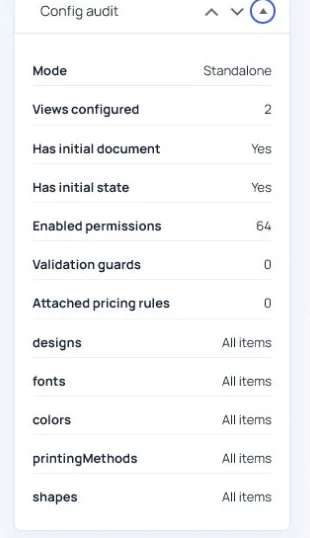
Review the validation report.
Save the imported product as a draft.
Relink WooCommerce products and run a storefront test.