Native Shopify app
Cart editing, orders, and production handoff
Follow a customization from the storefront preview to a validated Shopify order and production export.
Guide overview
Review the cart line
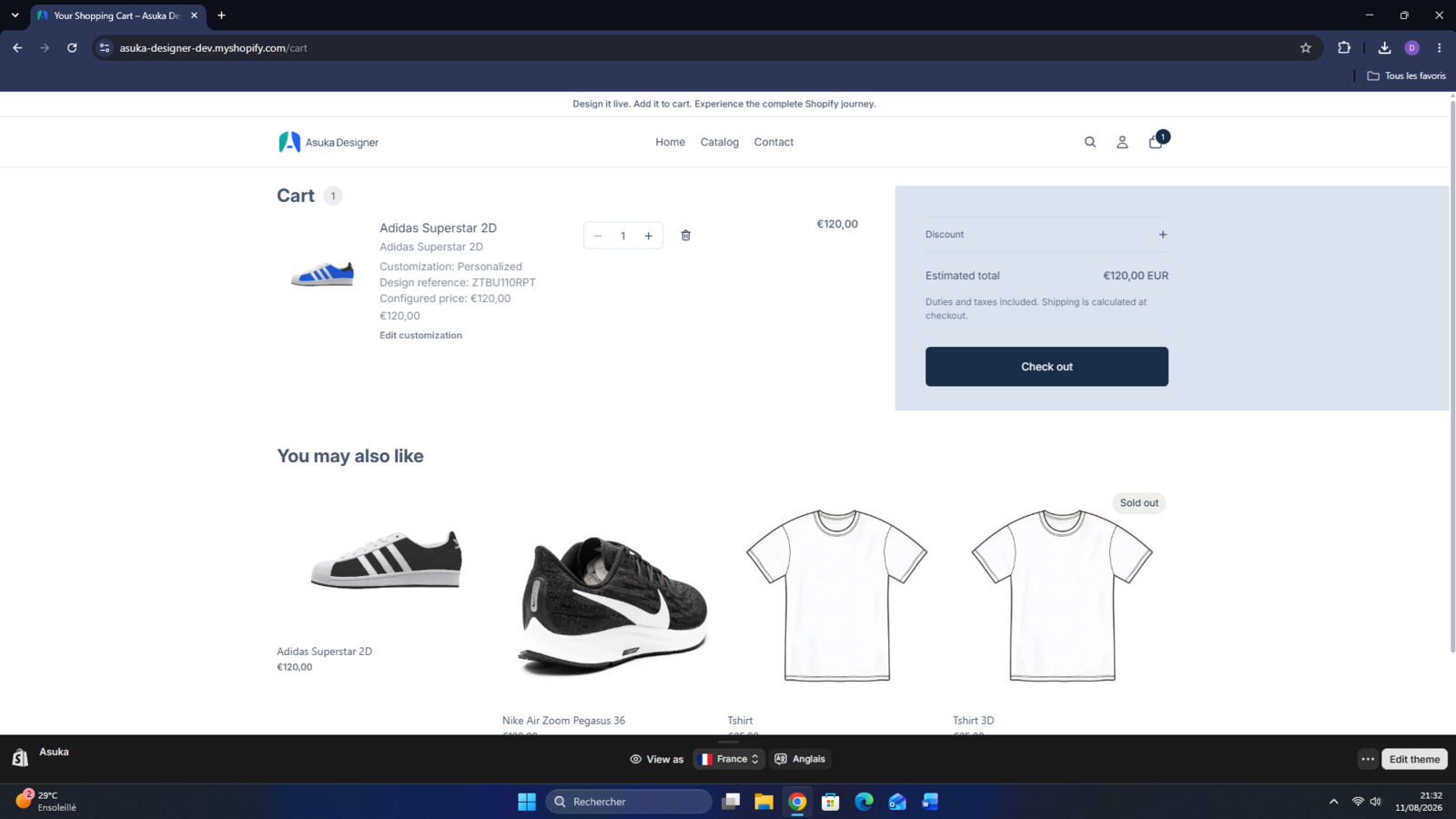
After Add to cart, verify the generated preview, readable choices, configured price, design reference, and Edit customization link. Editing restores the saved state and updates the same cart line.
Test both the theme cart drawer and full cart page because they use different rendering paths.
Create a customization.
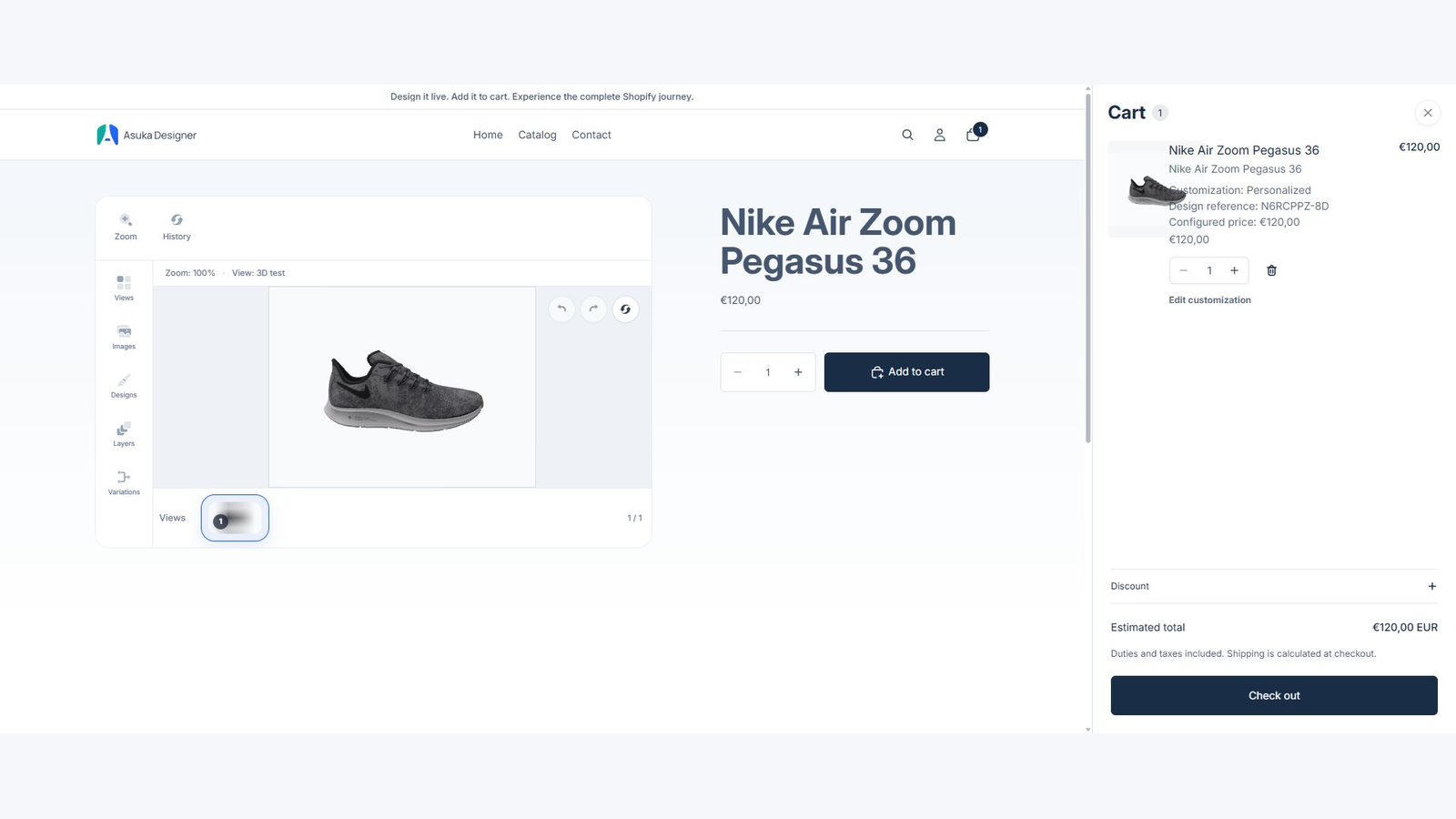
Add it to the cart.
Edit it and save again.
Change quantity and confirm totals.
Open the embedded order record
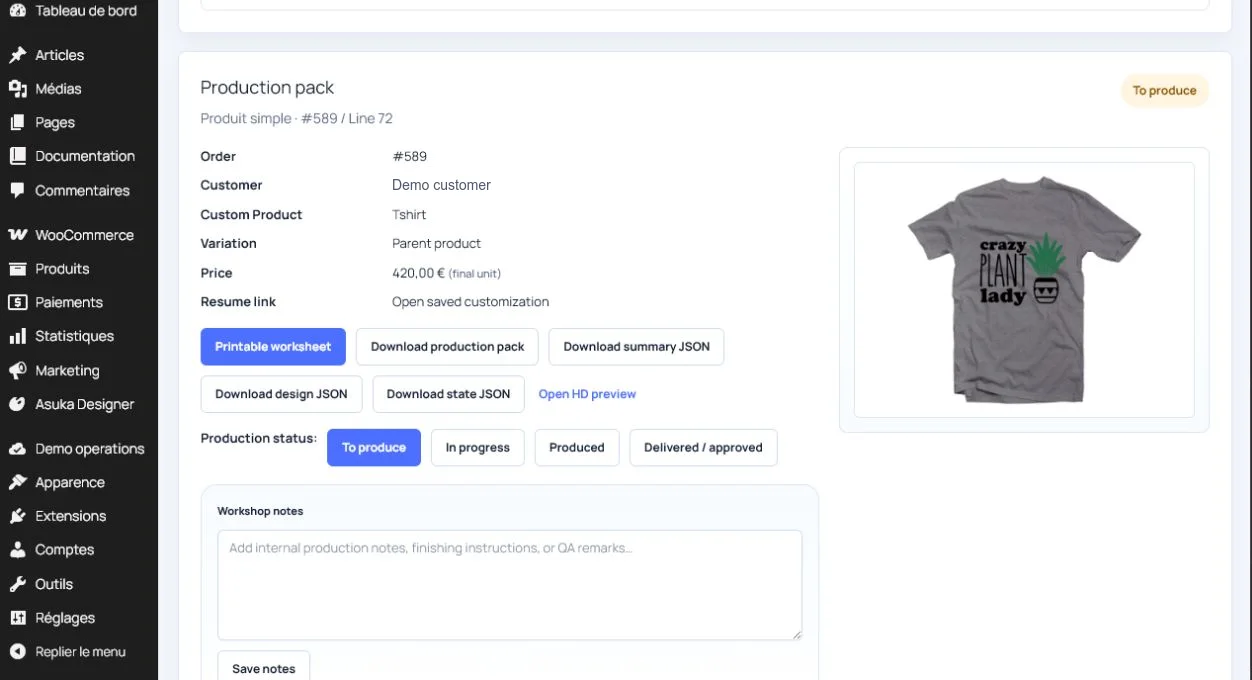
Asuka Product Designer > Orders shows the Shopify order reference, custom product, design reference, price, production status, preview, and available exports without duplicating customer emails in the application database.
Use statuses to distinguish new, reviewed, exported, and completed production work.
Complete a Shopify test order.
Open the matching embedded order.
Inspect configuration and pricing.
Update the production status.
Generate the production handoff
Production exports use the canonical saved state and physical drawing-area dimensions. HD or server exports verify plan limits before creating a downloadable result.
Keep the export reference with the Shopify order and re-run it only when the underlying customization changes.