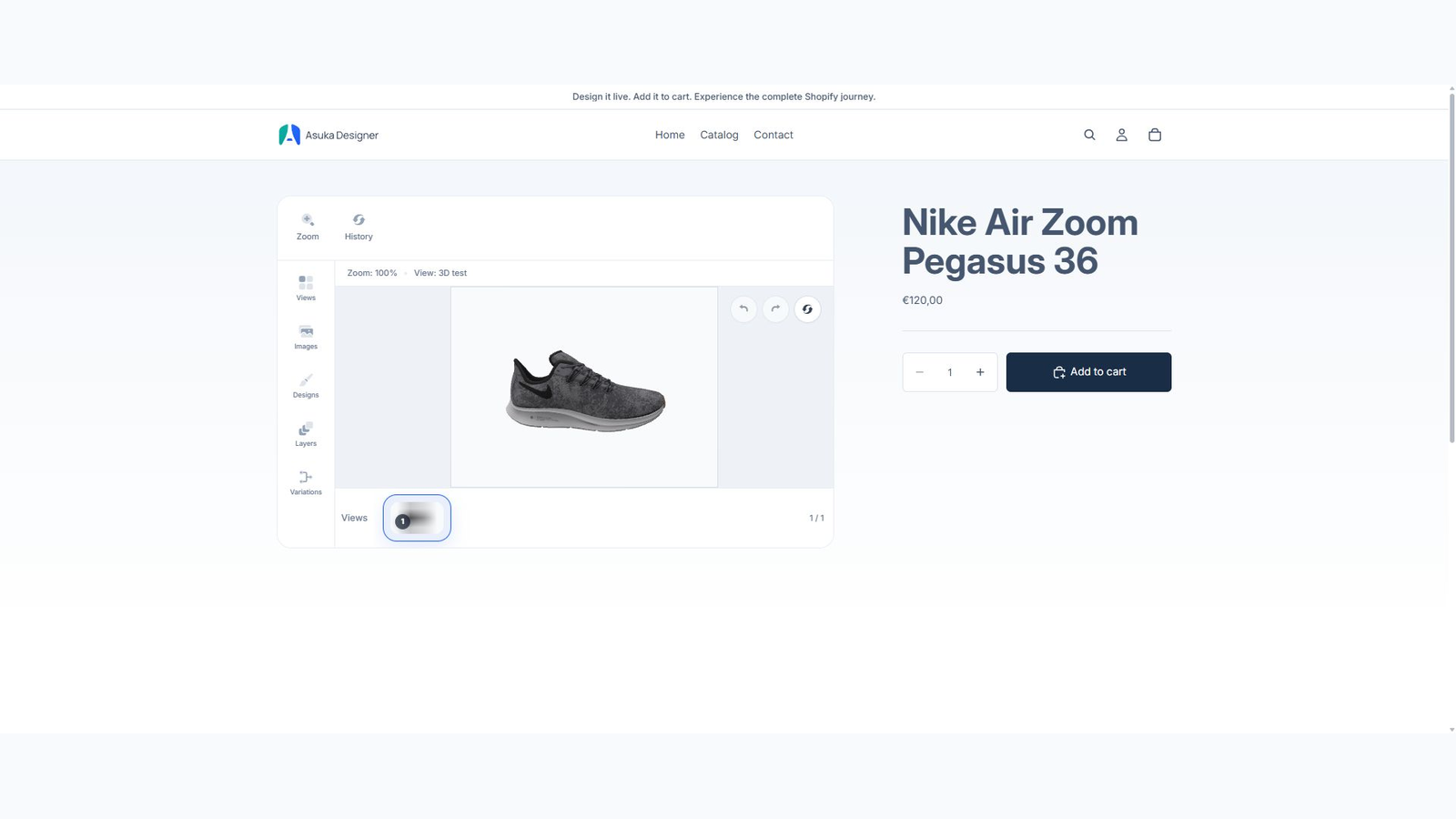
Native Shopify app
Custom products and variant links
Build configurations independently from the catalog, then link them from Shopify products.
Guide overview
Build the reusable configuration
Open the app and choose Custom products. Create as many configurations as needed; new entries intentionally start without a view.
Administration exposes construction modules while the storefront receives the customer template, theme, permissions, assets, and locale.
Create the custom product.
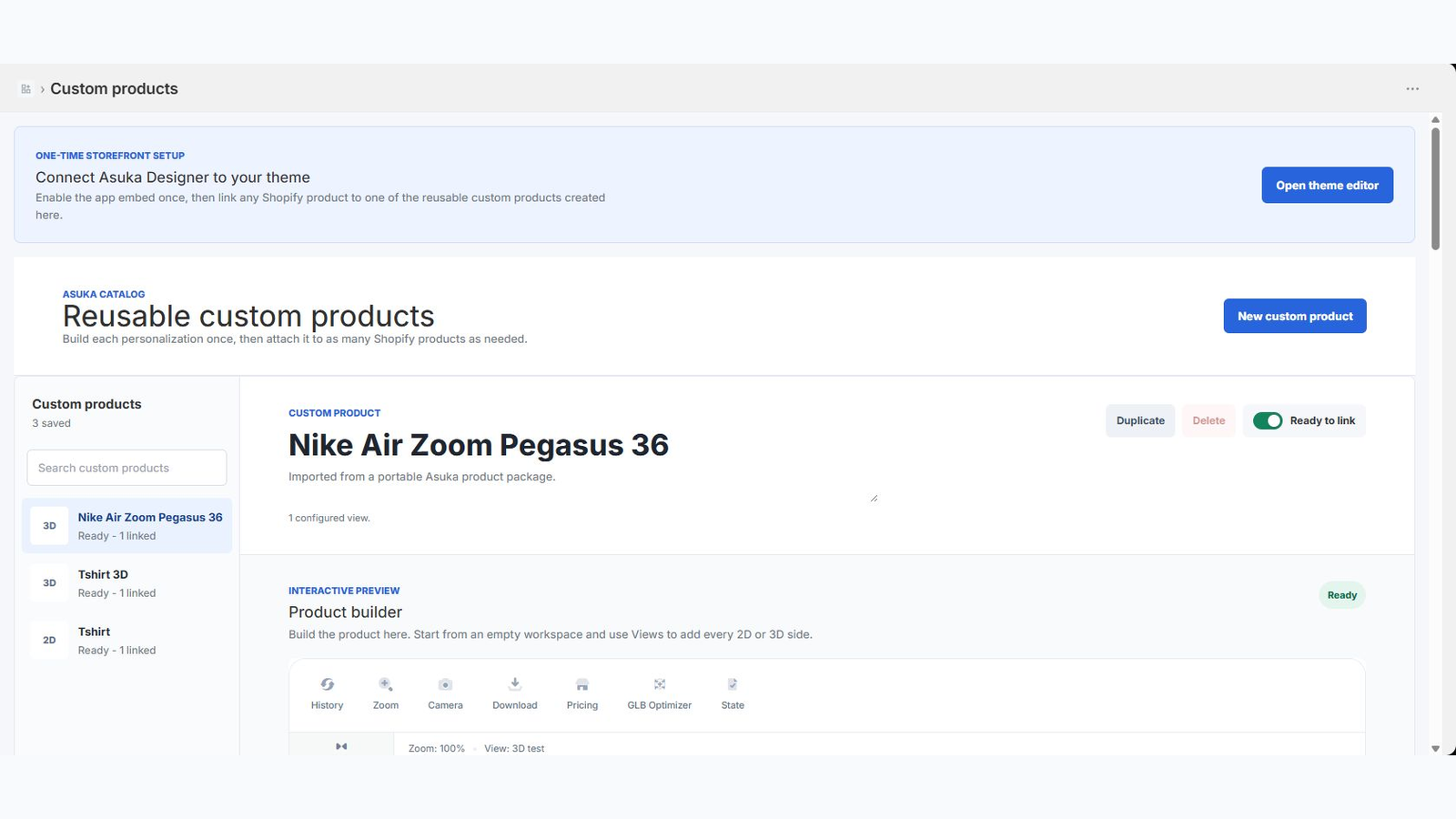
Add 2D or 3D views.
Configure elements and variations.
Choose template, theme, and storefront permissions.
Link products and variants
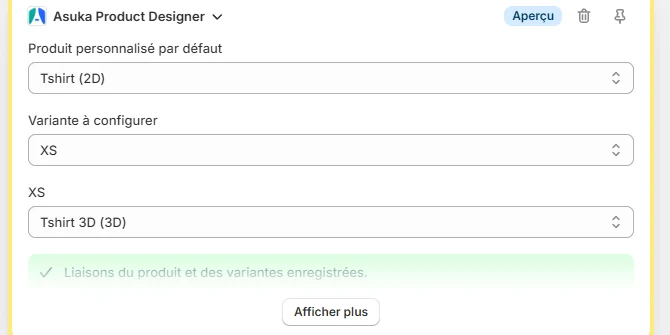
Use the native product admin block to choose a default custom product. For a variable product, override the link per Shopify variant when colorways or models need different configurations.
The storefront listens to variant changes and loads the matching custom product without a page reload.
Save the default link.
Review each variant override.
Test direct product URLs containing a variant parameter.