Native Shopify app
Storefront, theme, and cart journey
Enable the app embed once and verify the native product-to-order flow.
Guide overview
Enable the theme app extension
Open Online Store > Themes > Customize, then App embeds, and enable Asuka Product Designer. Save the theme.
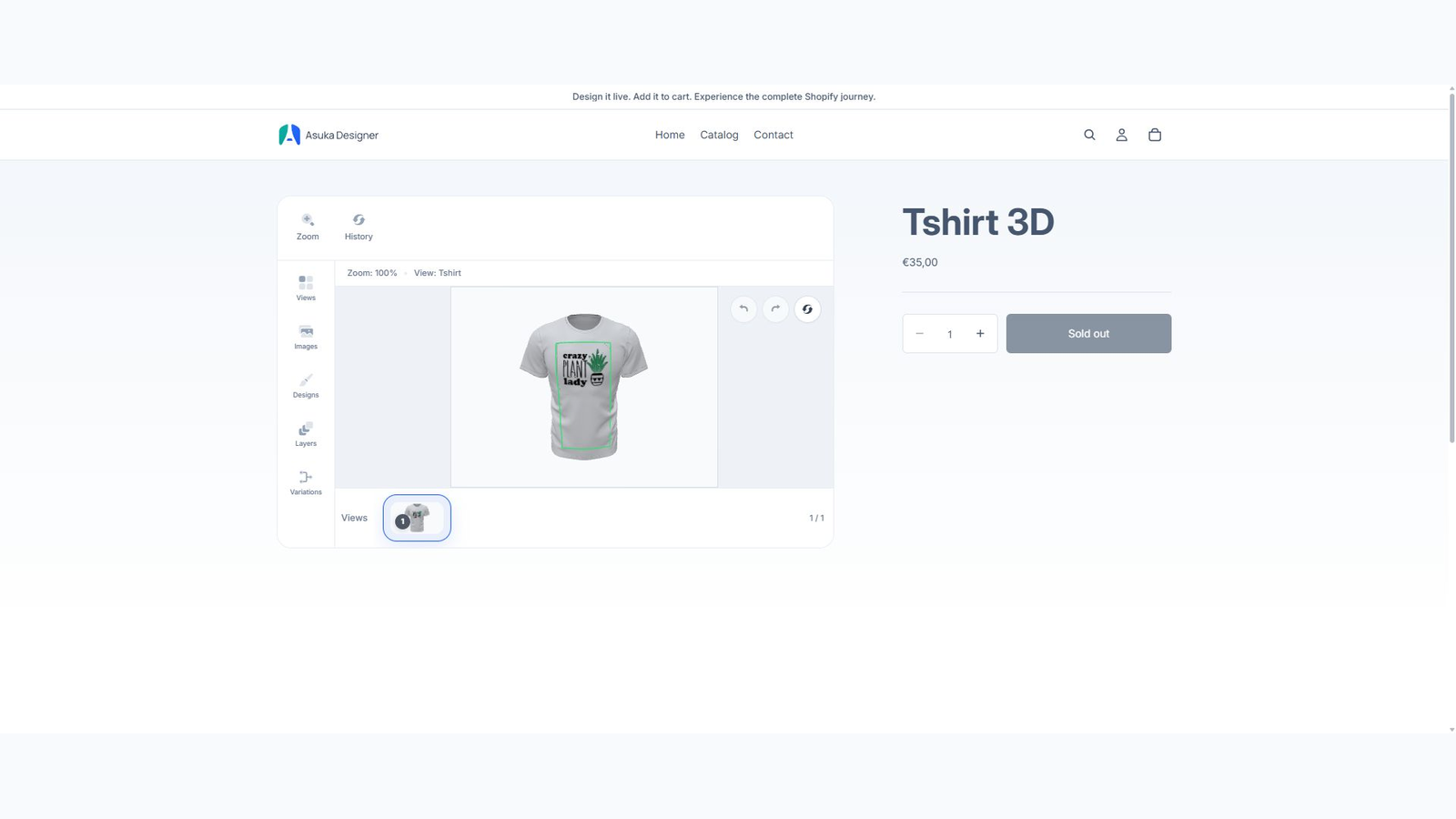
The extension detects linked products and mounts in the product media area. It is designed for Shopify theme extension points and defensive host styling; no theme-specific source edit is normally required.
Enable the app embed.

Open a linked product.
Change variants and designer options.
Test desktop and mobile.
One native add-to-cart button
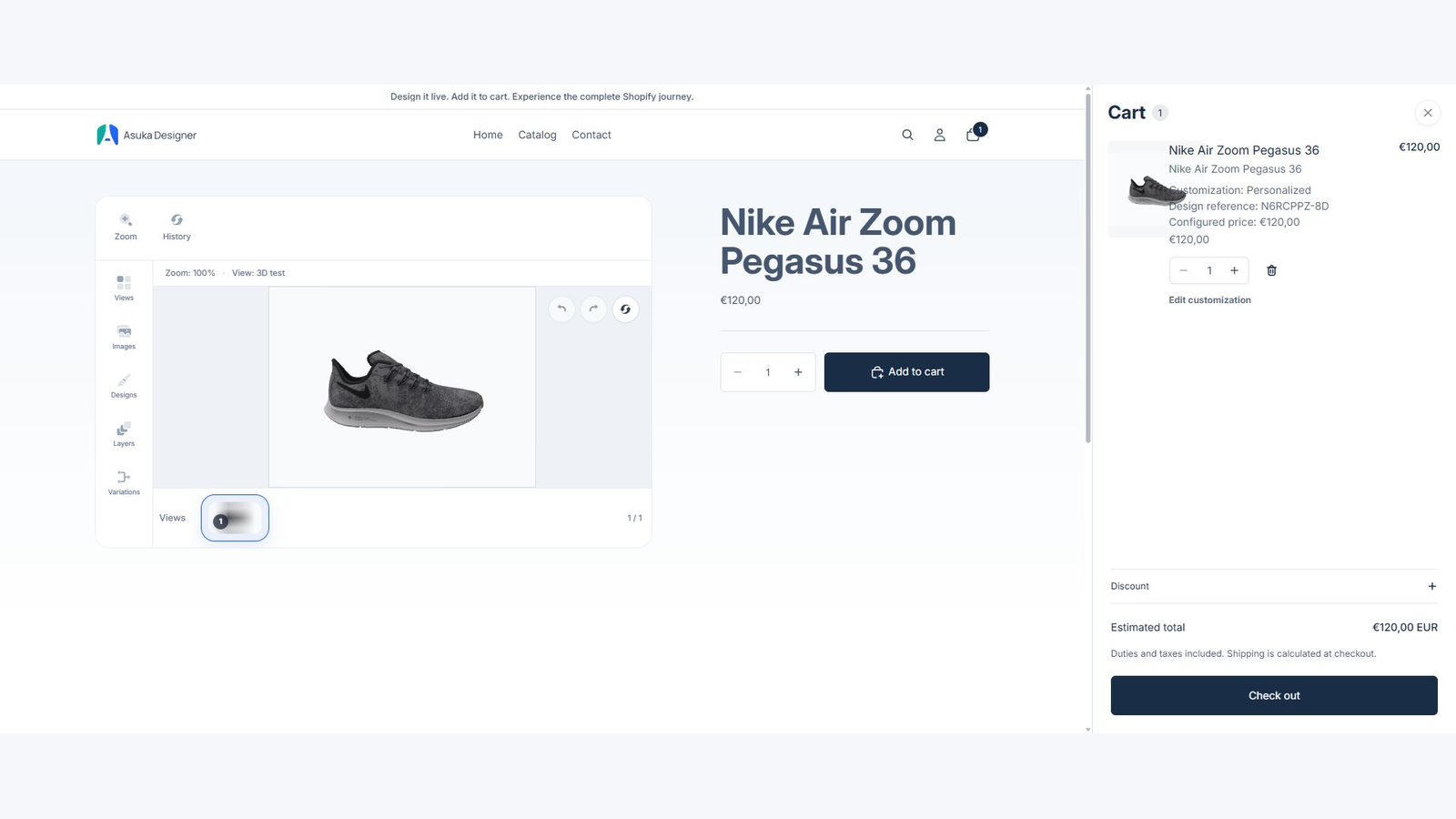
The designer reuses the Shopify product form. Customers see one Add to cart button whether the product is customized or not.
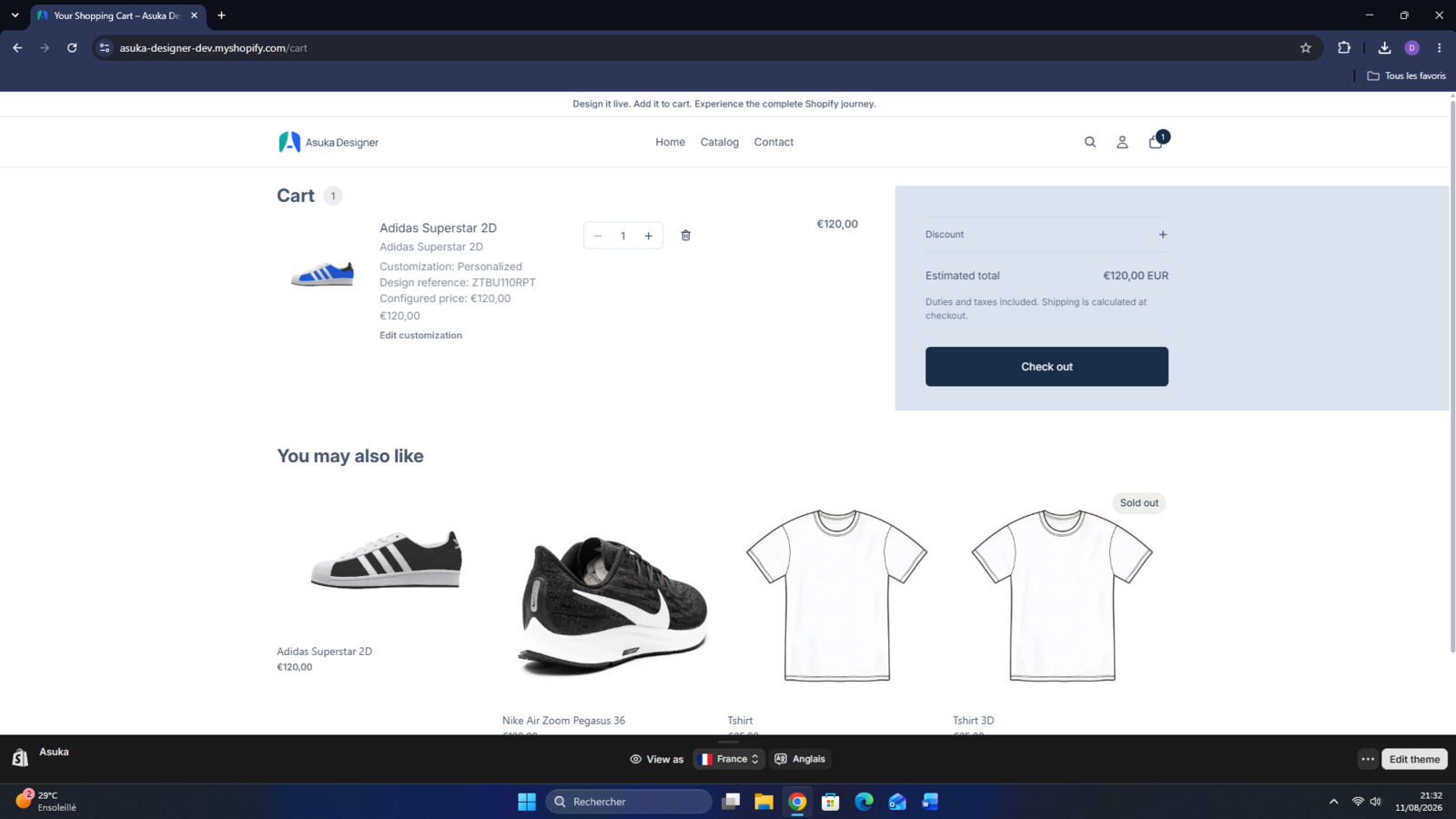
The line item carries a secure design reference, readable choices, configured price, and generated preview. Edit customization returns to the exact saved state.
Orders and pricing
Shopify Functions applies approved price adjustments at checkout. The app records customization data and preview references for order fulfillment.
Test cart drawers as well as the cart page because themes render these surfaces differently.