
Native Shopify app
Configure variant overrides and no-designer variants
Map a different reusable custom product to individual Shopify variants or deliberately return one variant to native media.
Guide overview
Before you start
- A default custom product is linked.
- The native Shopify product has saved variants.
- Override custom products are Ready.
Expected result
Every variant switch loads the intended Asuka product or native media without stale content, duplicate designers, or lost compatible work.
Choose when to override
Keep the default when variants share the same geometry and editable areas. Override a variant when its image, 3D model, dimensions, printing surface, or available choices differ.
Choose No designer for this variant only when customers should use the ordinary Shopify product experience for that exact variant.
Review all native variants.
Identify geometry-changing options.
Prepare the required custom products.
Choose inherit, override, or no designer.
Save stable variant mappings
The admin block stores links by Shopify variant identifier, not visible order. Save the native product and reopen the block to verify each label and selected custom product.
After recreating variants, remove orphaned mappings and set links for the new identifiers.
Map each required override.
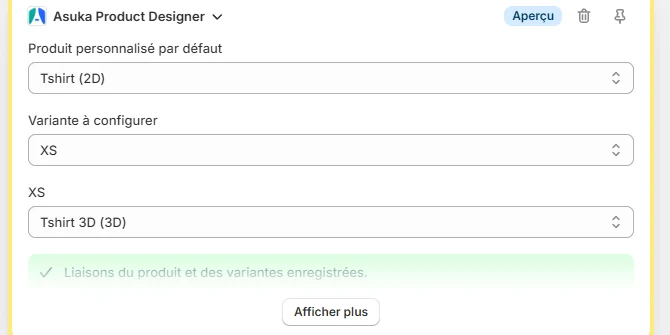
Save the Shopify product.
Reopen and audit mappings.
Remove references to deleted variants.
Test both directions
On the storefront, switch through every variant combination in both directions. The integration listens to the selected variant and loads the associated designer or restores native media without a page reload.
Compatible work may be preserved; incompatible product geometry must never display stale layers from the previous configuration.
Test direct variant URLs.
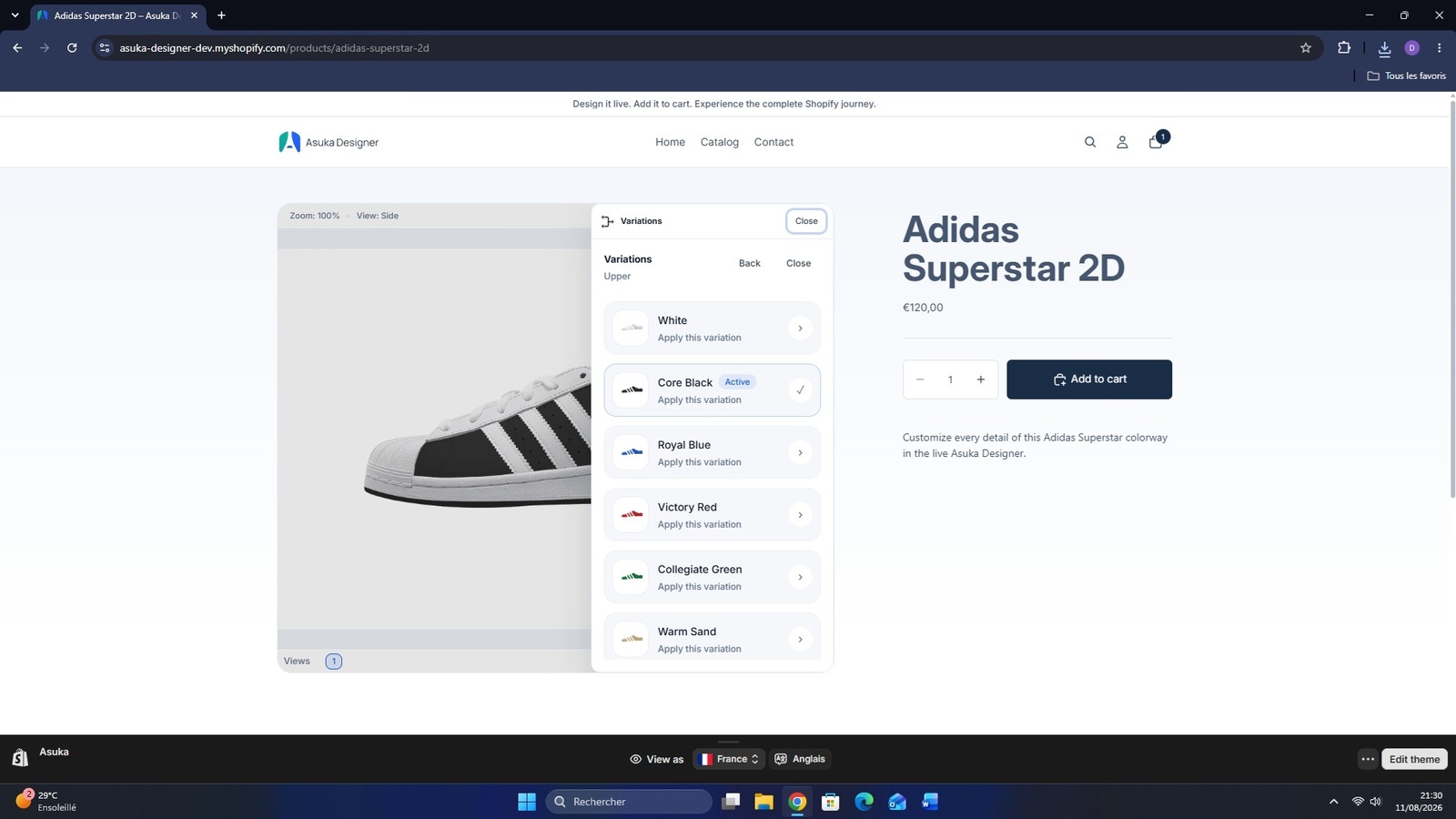
Switch all variants.
Confirm expected media or designer.
Add and edit one overridden variant in the cart.