
Native Shopify app
Understand privacy requests and data lifecycle
See when Shopify sends mandatory privacy webhooks, what appears in Settings, and how app-specific customer or shop data is handled.
Guide overview
Before you start
- Mandatory privacy webhook URLs are configured in the app.
- Webhook signatures are verified.
- An administrator can open Settings > Privacy requests.
Expected result
Customer data access, customer redaction, and shop redaction requests are received, processed, and auditable without requiring a storefront privacy form.
Know where requests originate
A customer does not open the Asuka app to create this request. They contact the merchant or use Shopify’s privacy tools; Shopify then sends the relevant mandatory webhook to every installed app that may hold data for that customer or shop.
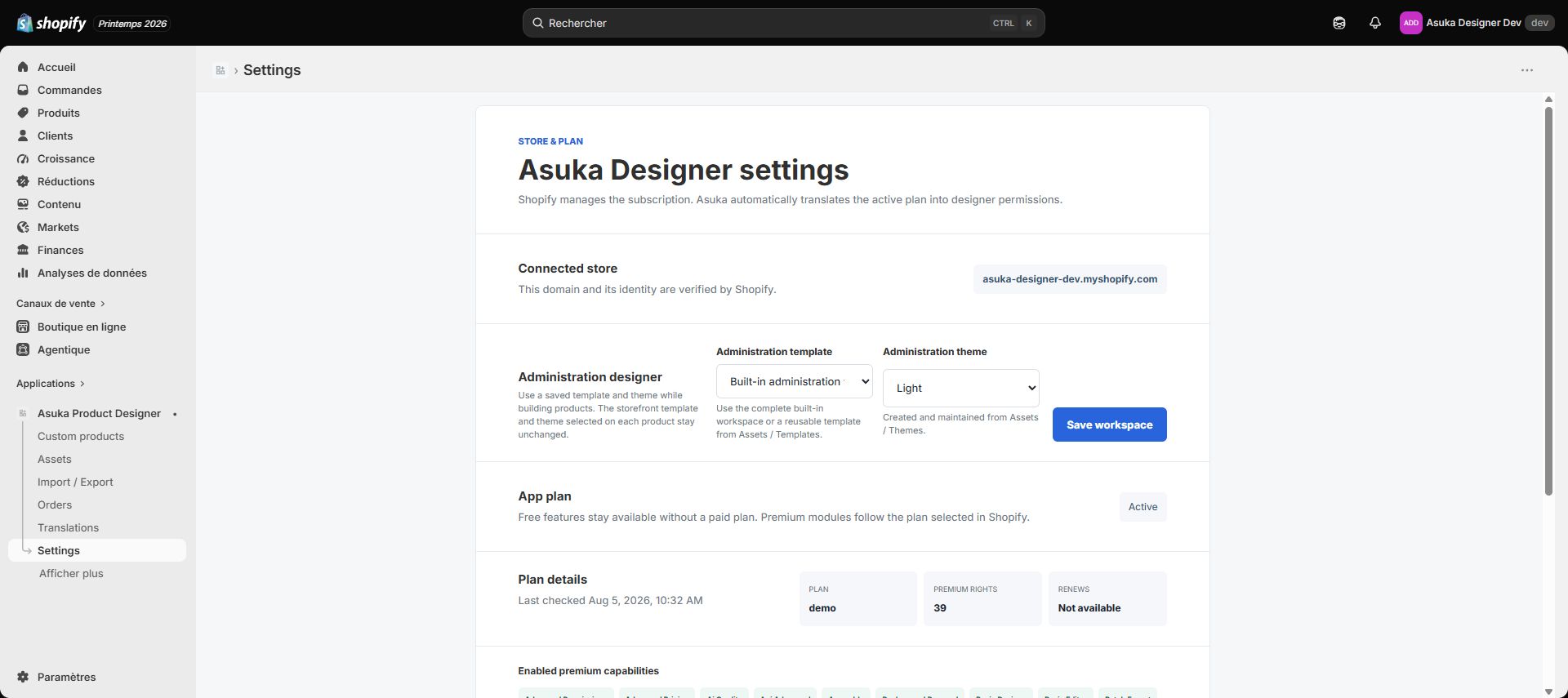
The page in Asuka Settings is an administrative audit view, not a second customer-account system. It stays empty until Shopify sends a request.
Confirm mandatory webhook configuration.
Identify the merchant privacy workflow.
Open Settings > Privacy requests.
Do not invent a separate customer login.
Understand the three request types
Customer data request asks the app to report data associated with the supplied customer identifiers. Customer redaction asks it to delete or anonymize applicable customer data after Shopify’s retention window. Shop redaction asks it to remove the uninstalled shop’s data.
The app should store only data needed for customization and production. Customer email addresses should not be retained when the feature does not require them.
Review customer data request handling.
Review customer redaction handling.
Review shop redaction handling.
Document required retention exceptions.
Verify processing and evidence
Each webhook must pass HMAC verification, be processed idempotently, and record a status suitable for administrator audit. Reports and sensitive order snapshots should remain protected according to the application security model.
Test with signed development payloads and verify that repeated delivery does not duplicate destructive work.
Send a valid signed test webhook.
Confirm the request appears in Settings.
Process or inspect its terminal status.
Repeat the same webhook and verify idempotency.