
Native Shopify app
Portable import and export
Move custom products and presets between Shopify, WordPress, JavaScript, test stores, and production stores.
Guide overview
Export a portable package
Use Import / Export to create a complete .asuka.zip package or a partial JSON export. Shopify Files media required by a complete product is packaged or referenced according to the selected scope.
Portable packages exclude Shopify products, variants, customers, carts, orders, subscriptions, shop tokens, and private settings.
Choose the source custom product.
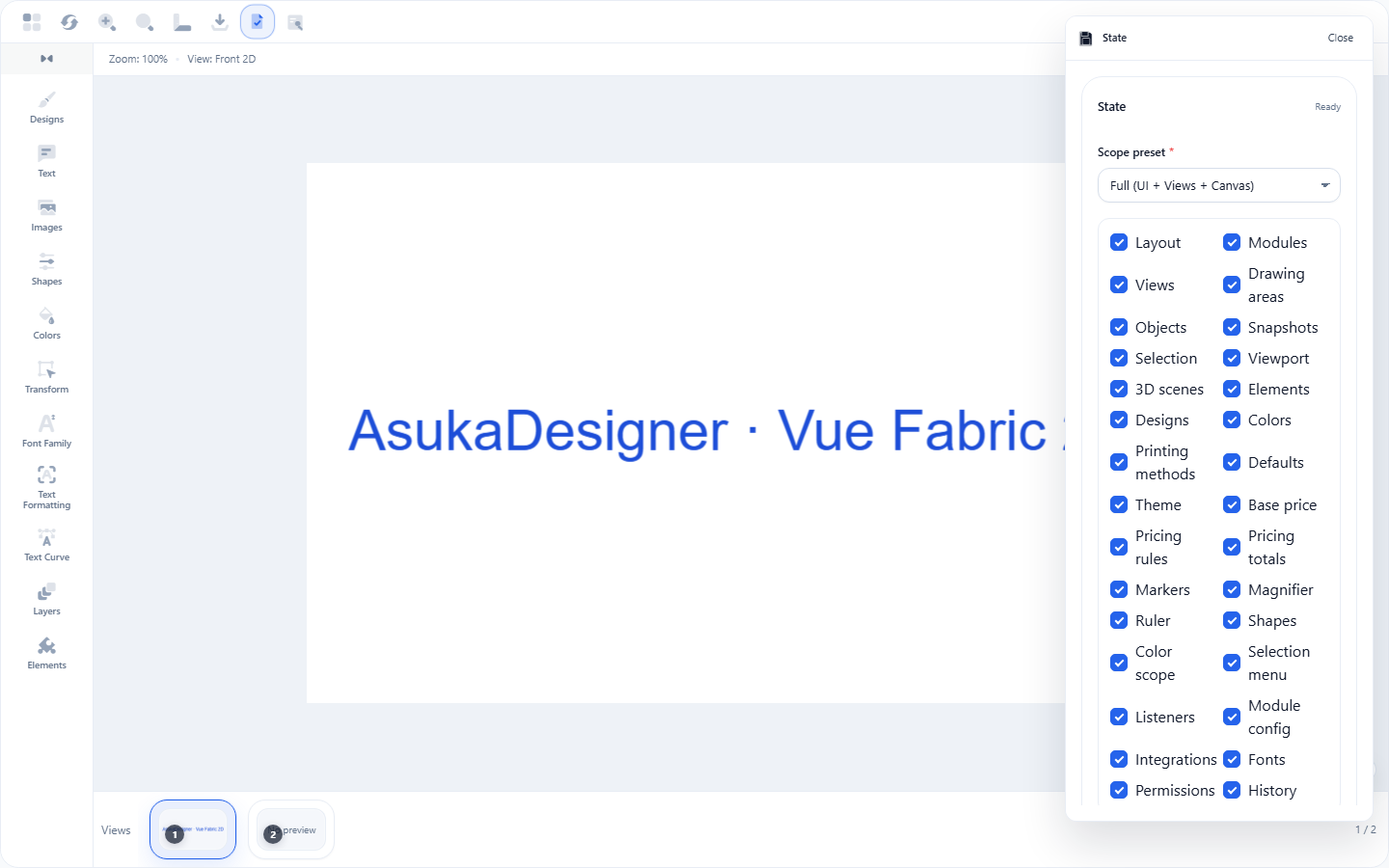
Select complete or partial scope.
Download the package and keep its manifest with the backup.
Import and publish safely
The importer validates the archive, manifest, checksums, media, and schema before creating a draft configuration. Review every external URL, asset filter, template, theme, permission, and pricing rule.
After import, map the custom product to Shopify products and variants in the destination store.
Upload the package.
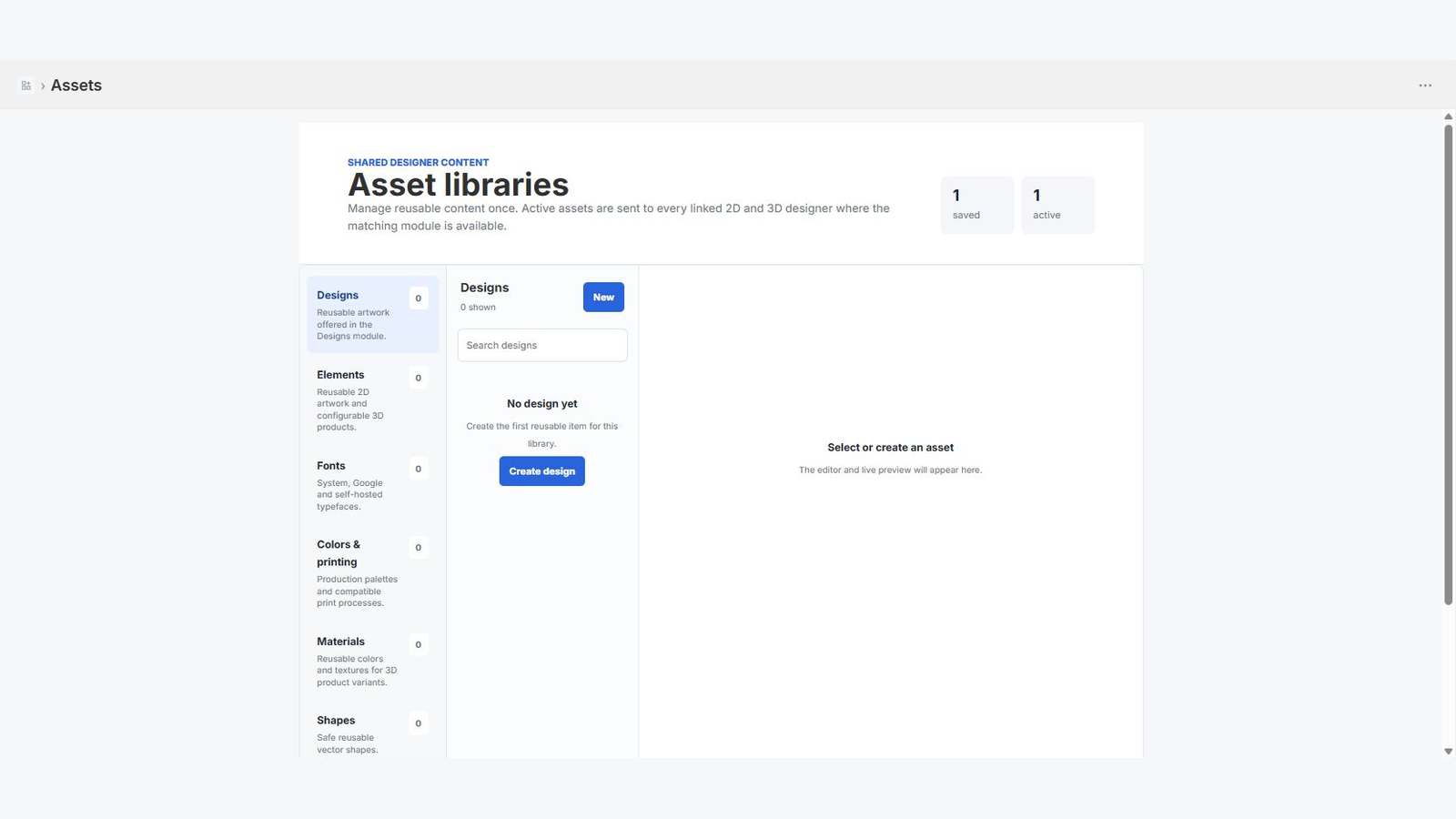
Review validation messages.
Open and save the imported product.
Create destination variant mappings.
Test cart and checkout.