
Native Shopify app
Build a 3D custom product in Shopify
Import a web-ready GLB, expose configurable parts, and validate real-time 3D independently from native Shopify variants.
Guide overview
Before you start
- The GLB passes validation in a neutral viewer.
- Mesh and material names are stable.
- Textures are embedded and optimized.
Expected result
The custom product loads its GLB only on the 3D view and supports smooth rotation, zoom, materials, and saved selections.
Prepare the GLB
Apply transforms, use a real-world scale, remove unused content, and separate every part that must change independently. Stable names are essential because variation choices target meshes or materials by identity.
Balance texture quality and storefront download size; test on a mid-range phone, not only a desktop development machine.
Apply transforms.
Remove unused nodes and materials.
Embed optimized textures.
Validate the final file.
Create and configure the 3D view
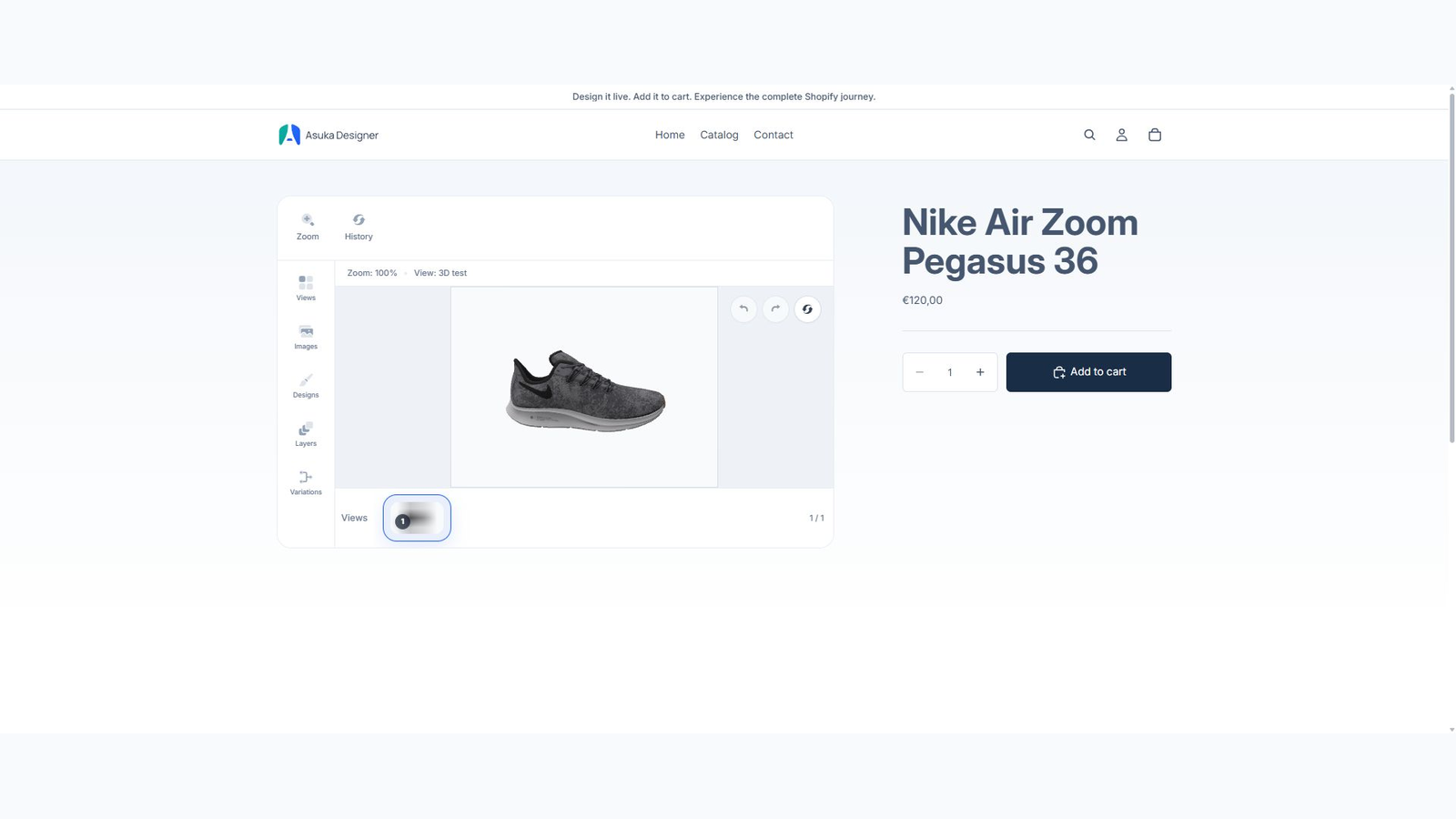
Add a 3D view in the custom product builder and upload the GLB. Set default camera, zoom limits, environment, lighting, ground, and shadow behavior before exposing options.
Create elements and variation groups for materials, colors, visibility, textures, or replaceable parts. Core 3D remains available without a paid plan.
Create the 3D view.
Attach the GLB.
Frame the camera.
Configure parts and defaults.
Test storefront behavior
Preview touch rotation and zoom, switch between any 2D and 3D views, save non-default choices, and restore them. The 3D bundle and model should not load until the 3D view is actually used.
Check direct product links and cart editing after the custom product has been connected to a Shopify product.
Test desktop and mobile controls.
Change every exposed part.
Save and restore the state.
Inspect lazy network loading.