Native Shopify app
Assets, templates, themes, and translations
Share content across products while controlling exactly what staff and customers can access.
Guide overview
Libraries and filters
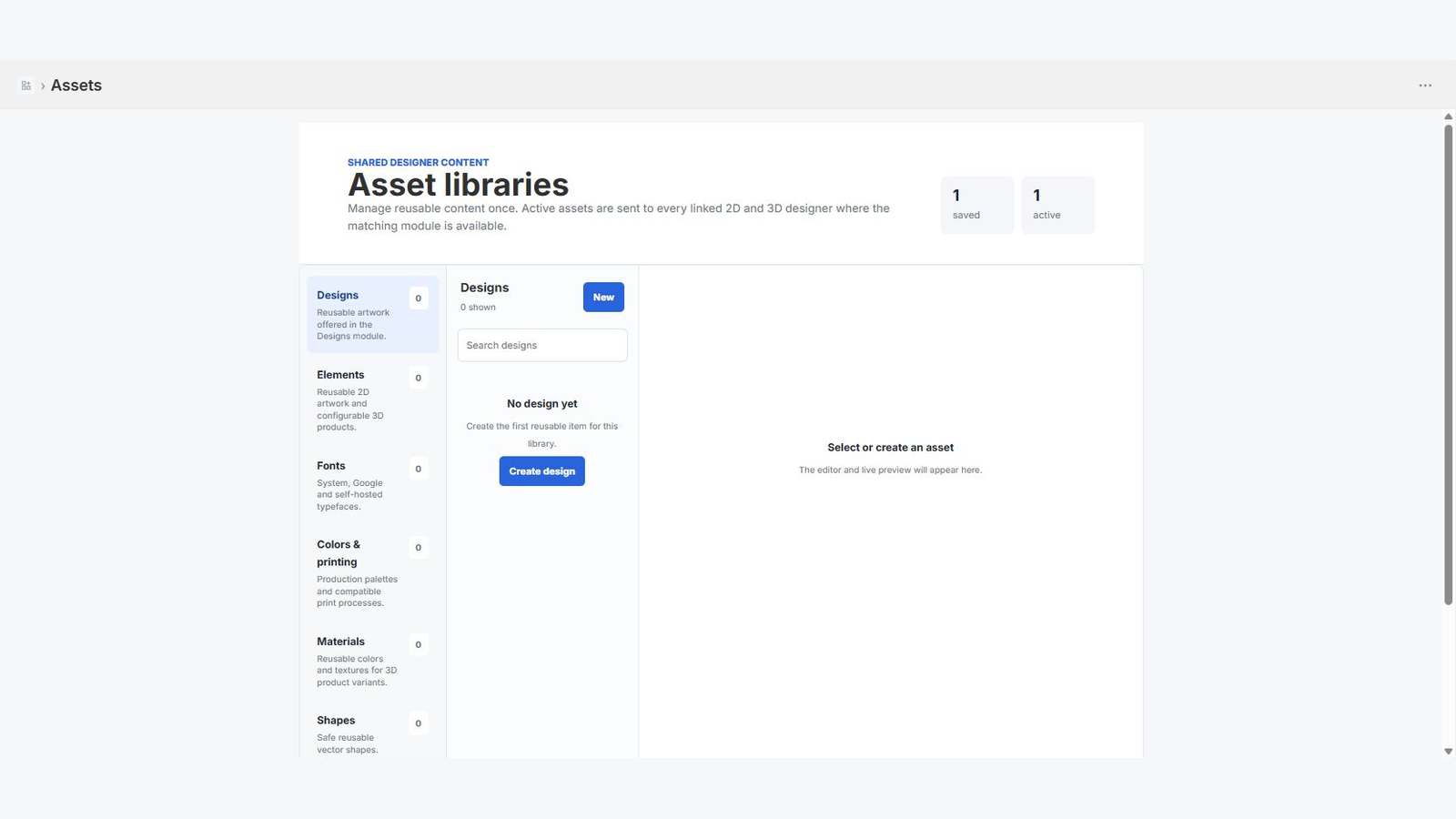
Assets stores designs, elements, fonts, colors, printing methods, materials, shapes, product templates, and themes. Uploads are stored through Shopify Files and receive durable URLs.
Active status, categories, and storefront filters decide which items are merged into a product at runtime. Updating a library item can replace stale embedded catalog data without overwriting product-owned content.
Interface presets
Templates have the same layout depth as WordPress: zones, modules, contextual selection, portals, responsive previews, pagination, undo/redo, permissions, labels, and icons.
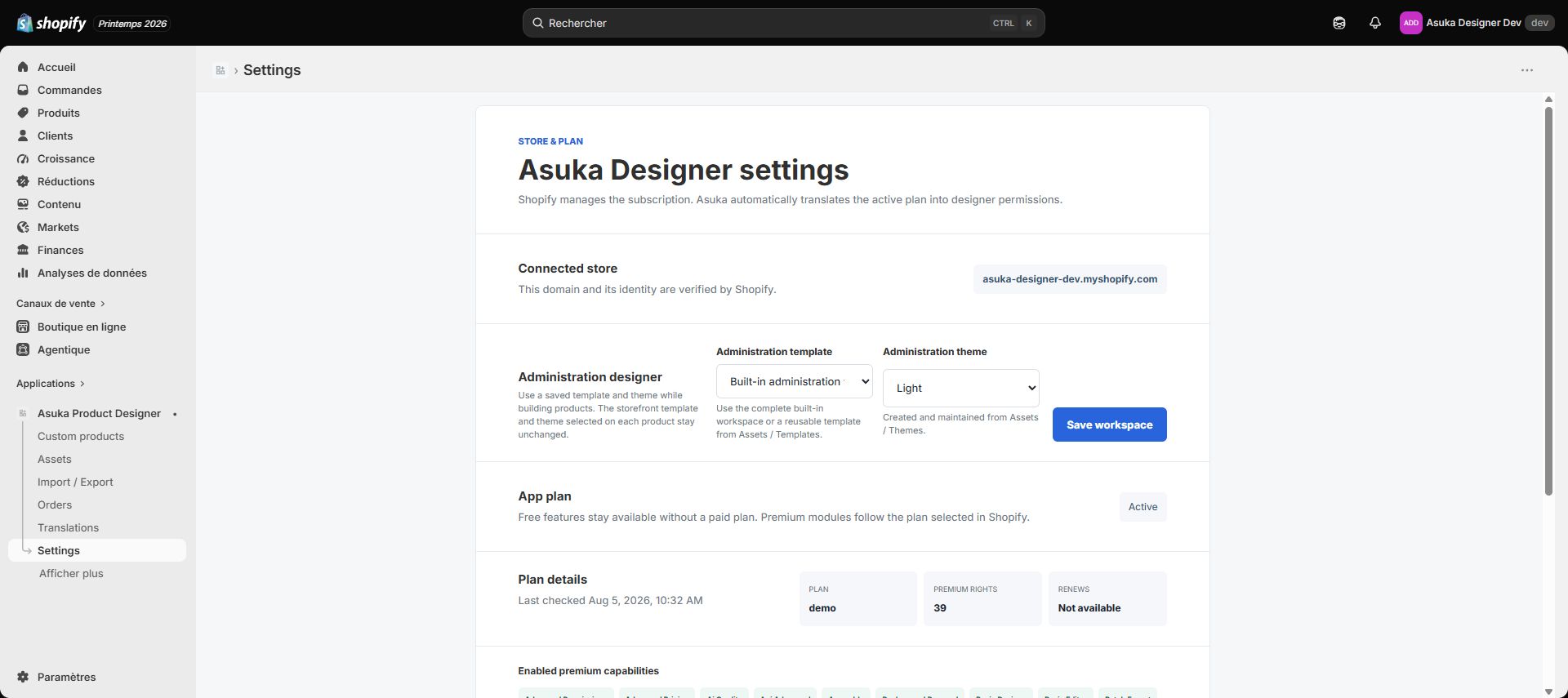
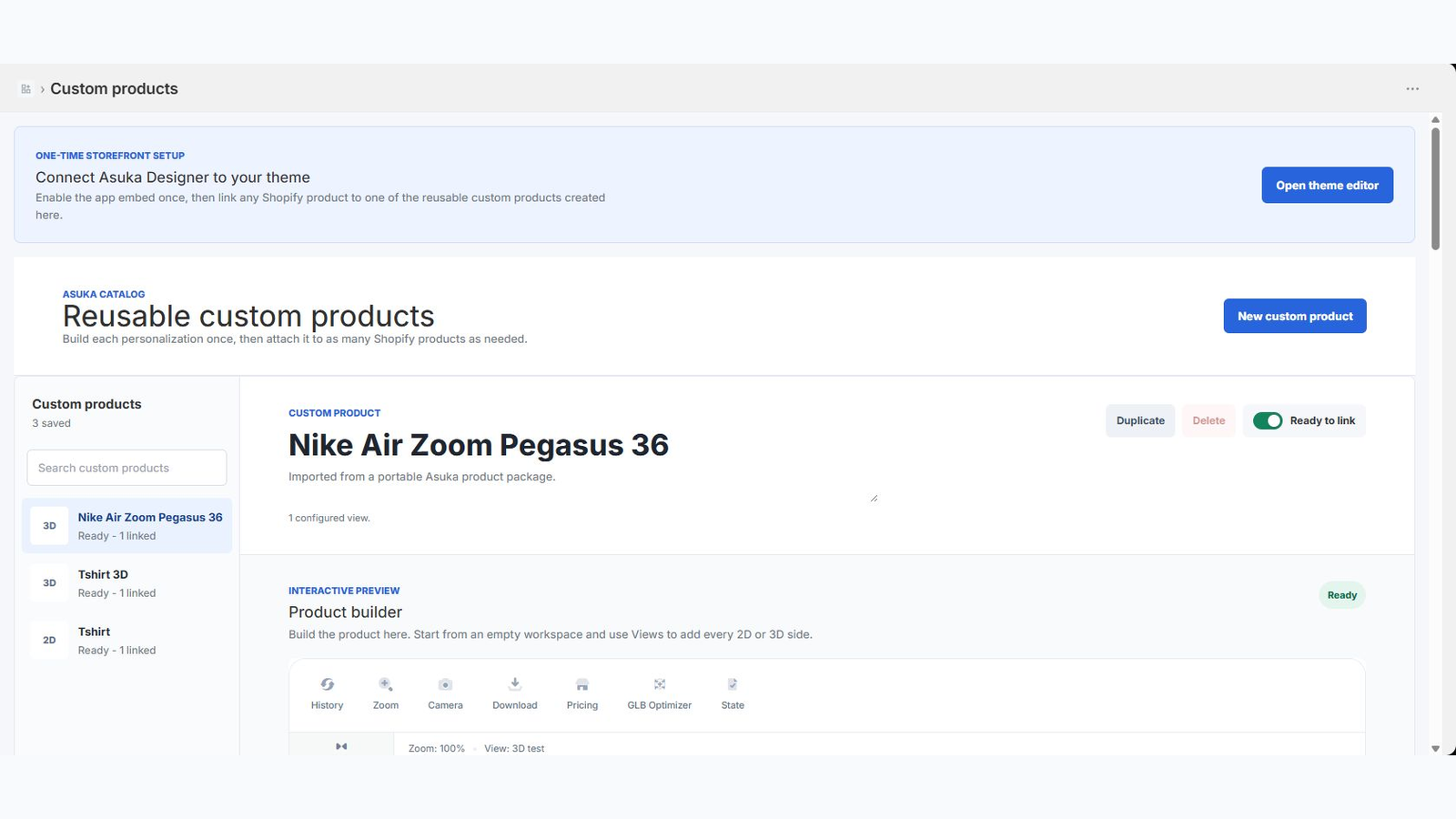
Settings chooses separate administration defaults. Each custom product can select its customer template and customer theme.
Preview desktop and mobile.
Save the preset.
Assign it to a test product.
Verify the storefront receives the chosen metadata.
Translations
Create a locale in Translations, scan app and JavaScript keys, then fill the catalog. The storefront automatically selects the closest shop or customer locale with English fallback.